
Every session, recorded properly.
Purpose-built recording for game testing, with gameplay, inputs, performance context and game logs captured as part of the same session.
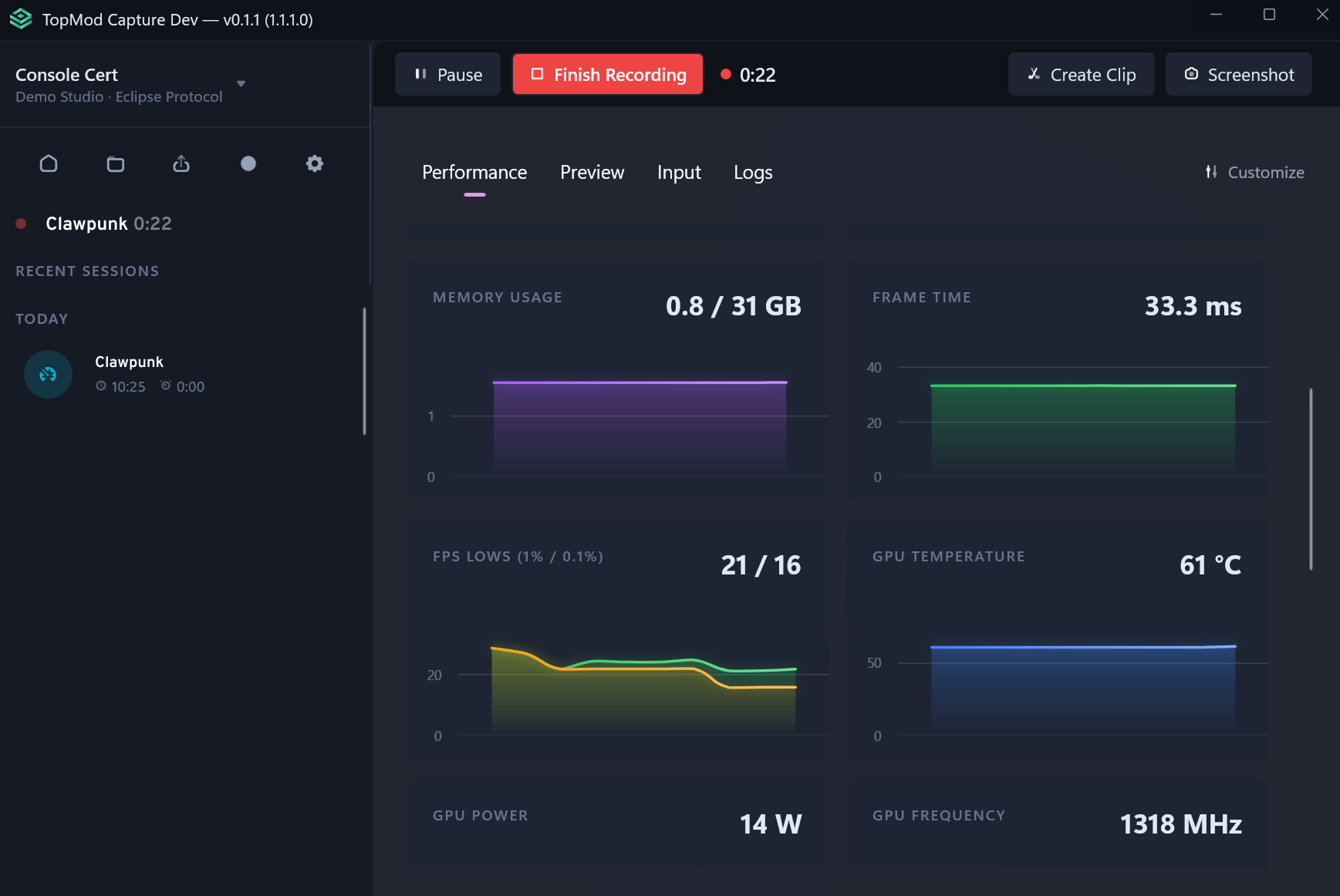
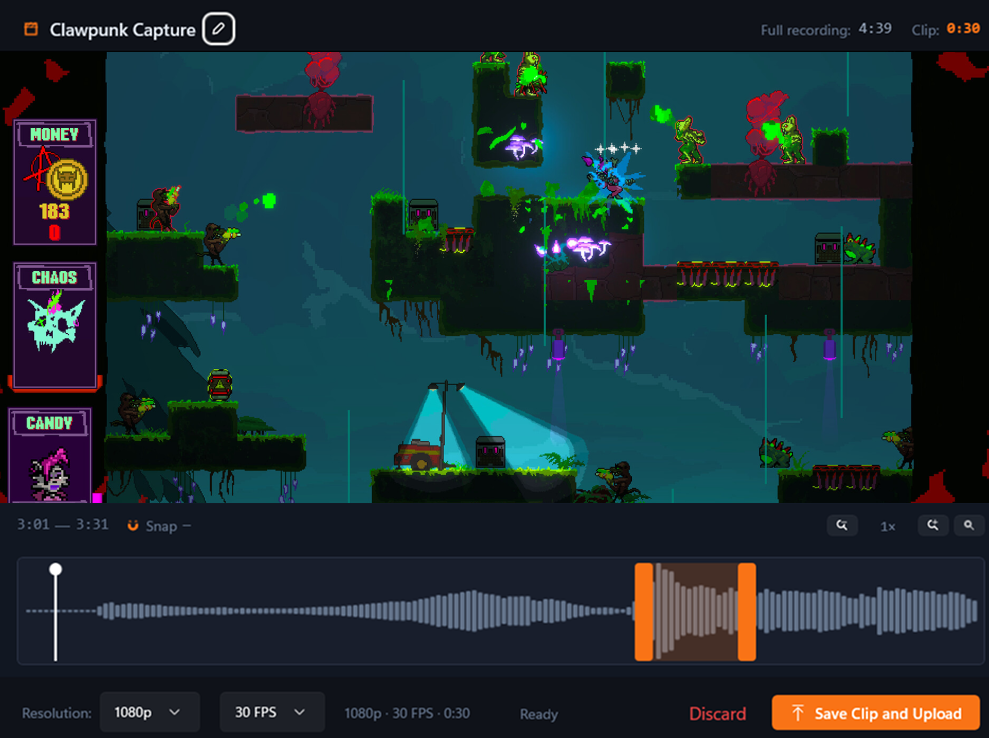
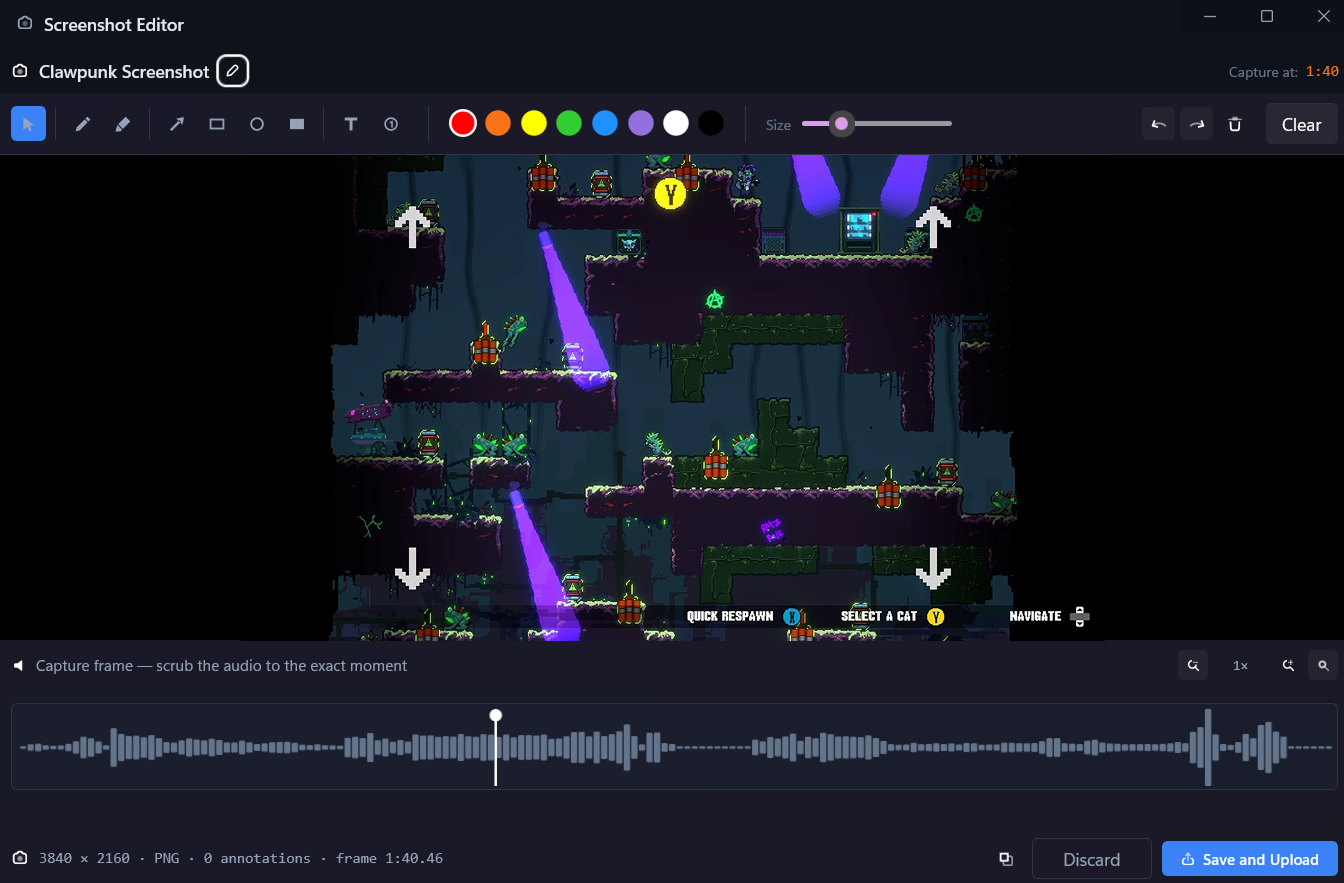
A recording application built for tester workflow.
Capture runs seamlessly in the background, not an additional tool that needs to be managed.
Low overhead
Designed to run alongside the game, not compete on performance with it.
Application targeting
Record a chosen application, window or entire desktop.
Background readiness
Capture runs, ready, until the tester actually needs it.
Keyboard controls
Configurable hotkeys for recording, clips and screenshots.
Over 25 data points, captured automatically.
As a tester identifies a bug, all associated data points are combined into one evidence package to reduce developer resolution time.
Performance
Frame timing, dropped frames, CPU, GPU, memory
Player input
Keyboard, mouse, controller
Game and build
Logs, errors, processes
Hardware profile
The machine it ran on
Session events
Start, clips, screenshots, stop
One recorded session
Every stream shares the same clock, so one timestamp shows what the player did, what the game logged and how the machine behaved.
Capture Capabilities
- Low system overhead
- Screen or window recording
- Instant clips
- Screenshots
- Keyboard input capture
- Mouse input capture
- Controller input capture
- Configurable hotkeys
- In-game overlay
- Performance telemetry
- Automatic game-log capture
- Automatic recording by application
The recording layer of the Game Quality Engine.
Capture preserves what happened. Checkpoint review ensures detail and accuracy. Evidence brings the context together.
Capture
Preserves what happened
Evidence
Brings the context together
Checkpoint
Quality control before hand off
Start with the session. Create the context.
See how Capture effortlessly fits your testing workflow and enriches bug reporting.