
Everything needed to reproduce.
Evidence keeps gameplay and the environment context synchronized, enabling developers to fix bugs efficiently through a single investigation location.
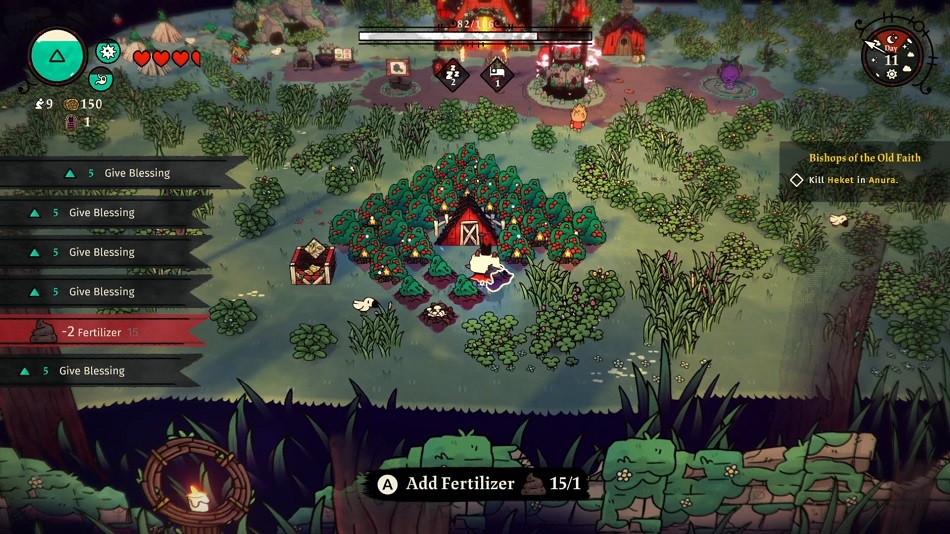
The video shows what happened.
Playback sits at the centre of the investigation. Everything around it follows the same point in time, so moving through the session never means moving between tools.
Events
01:36:11
Level transition
01:38:02
Checkpoint reached
01:41:56
Performance anomaly
01:42:18
Finding created
01:43:04
Annotation added
Jump to the moments that matter.
Events mark level transitions, checkpoints, anomalies and findings. Selecting one moves playback, inputs, telemetry and logs to the same moment.
Game log
- 01:42:17.883traversal.mantle.start
- 01:42:18.041AnimGraph: blend budget exceeded
- 01:42:18.204TraversalComponent: state timeout
- 01:42:18.362Locomotion: pose fallback applied
- 01:42:18.517traversal.mantle.complete
Bring the game's own evidence in.
Game logs stay attached to the session, so runtime messages can be read against the exact frame visible in playback.
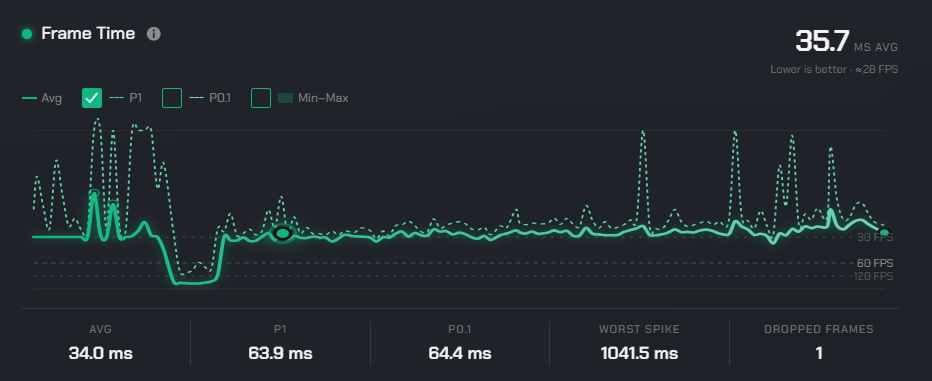
Frame time · ms
peak 68.4msSee what the game was doing.
Frame timing and runtime performance stay aligned with the video, making spikes and drops easy to spot and easy to explain.
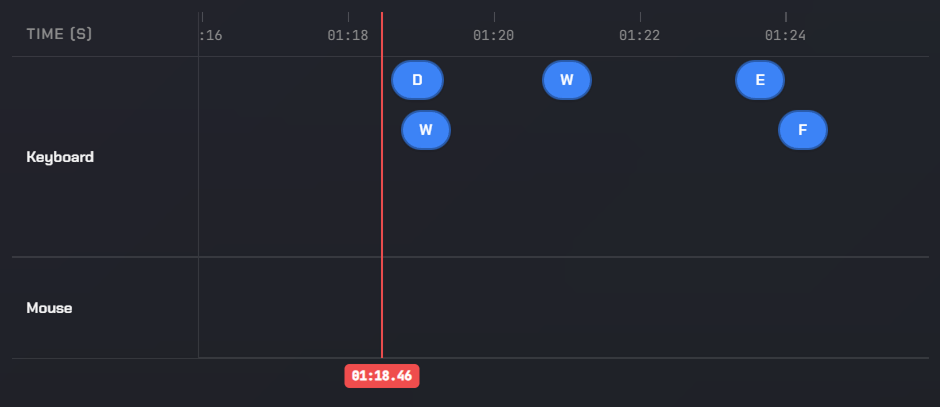
Input timeline
Know exactly what the player did.
Keyboard, mouse and controller inputs are synchronized with playback, showing the actions that immediately preceded a problem.
“Animation stalls immediately after mantle input.”
R. Kaur · 01:42:18 · TM-142
Add context where it happens.
Annotate captured bugs, ensuring observations and comments are exactly combined with when issues occur.
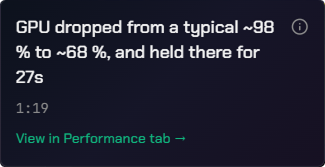
Investigate the same moment with multiple perspectives
In multiplayer sessions, each tester records from their own position. Evidence combines these recordings to one timeline, so the same moment can be compared side-by-side.
TESTER #1
01:42:18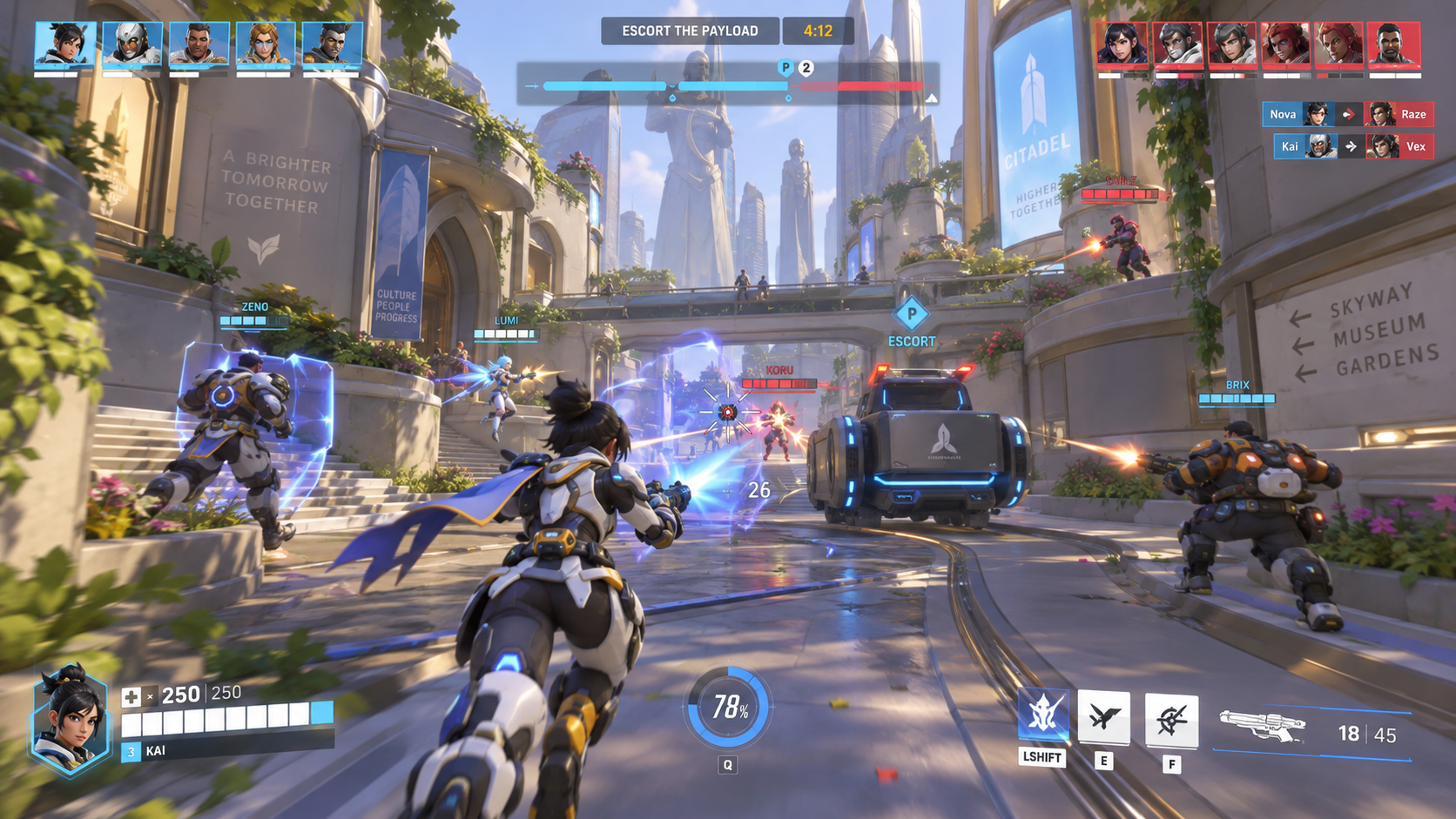
Host · reported the issue
TESTER #2
01:42:18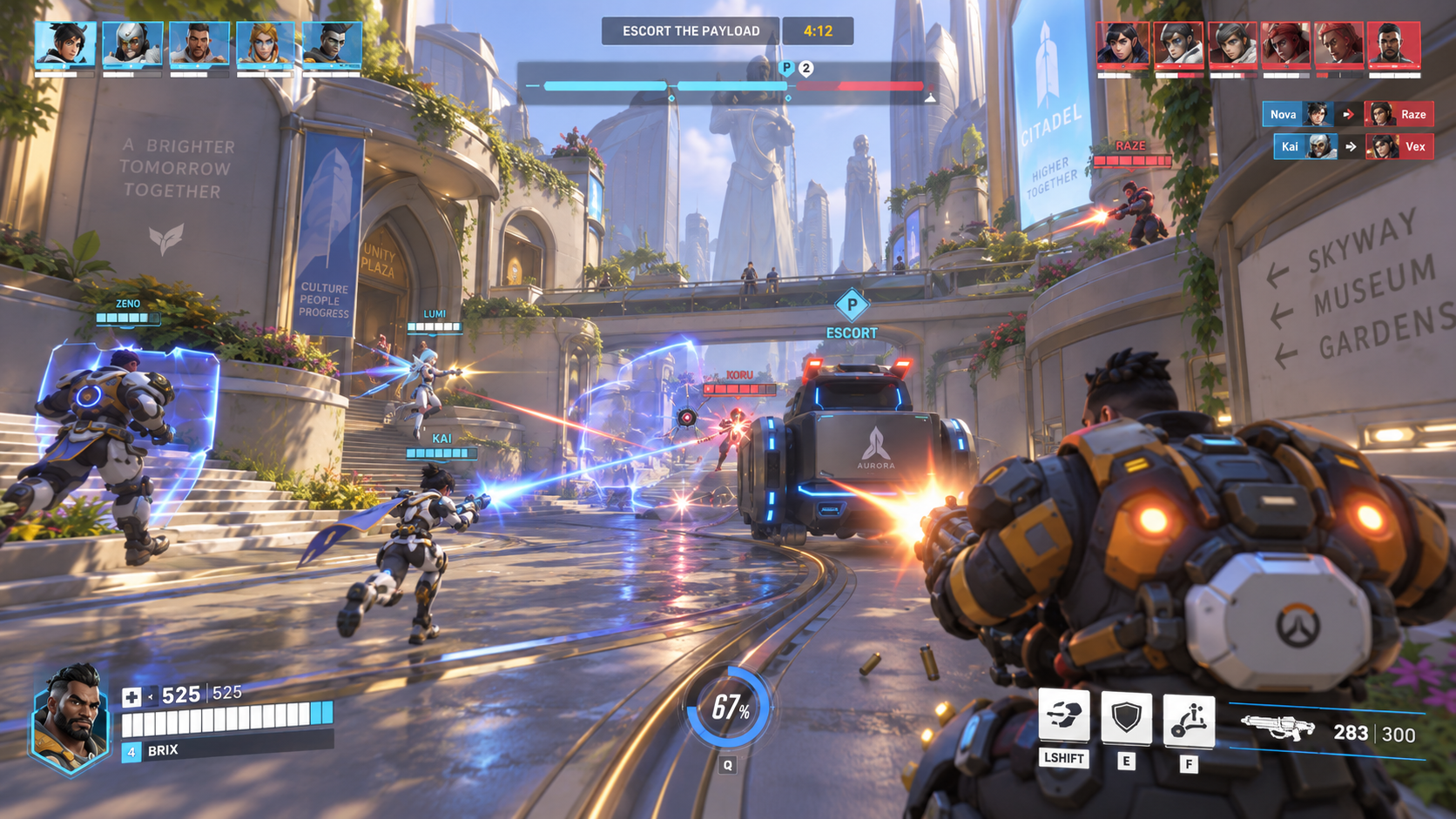
Client · same session
TESTER #3
01:42:18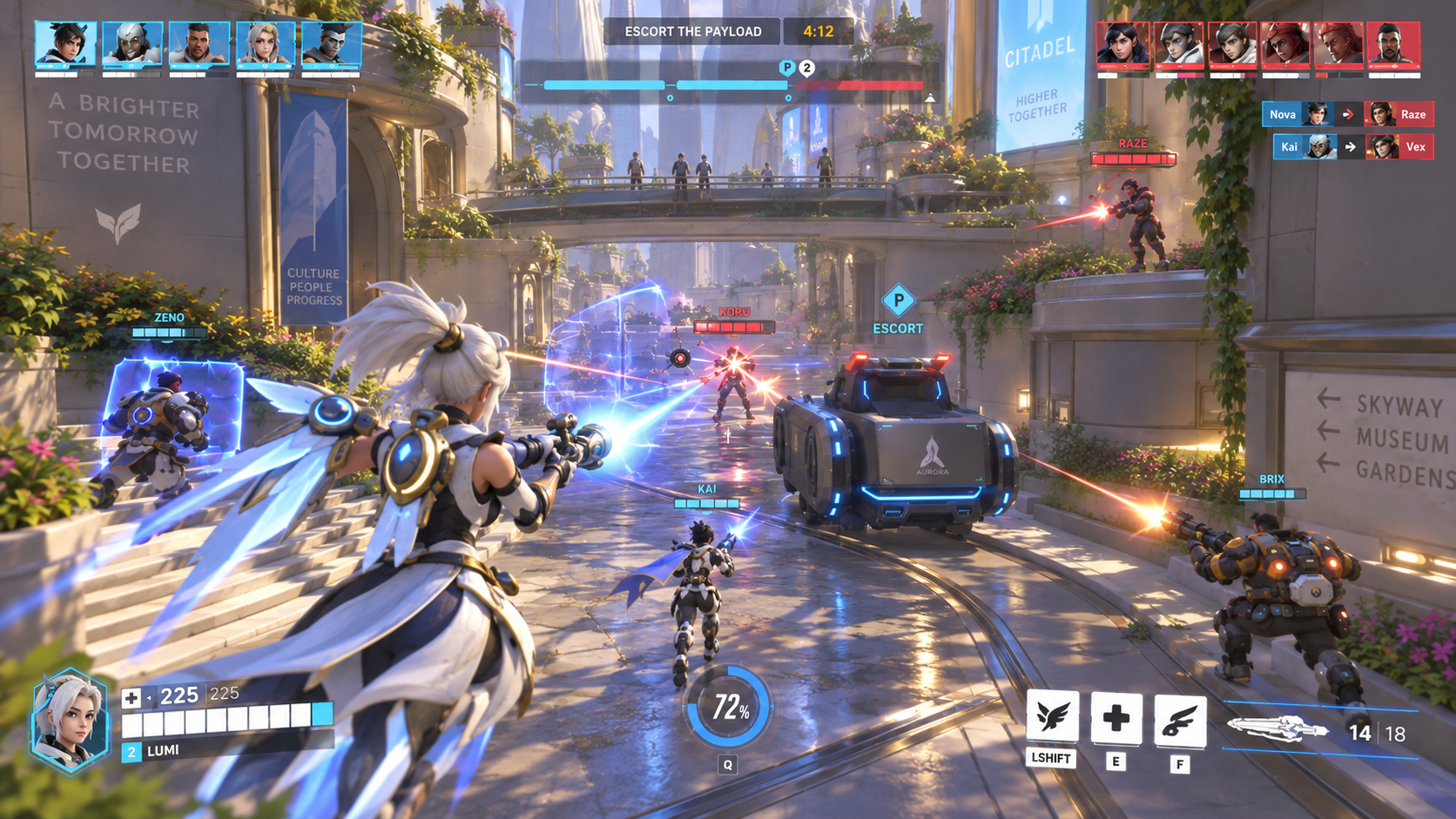
Client · spectating
One synchronized timeline across all three player perspectives
One link provides the whole evidence package to the developer.
No zipping up video, screenshots, logs and specs. Share a single link and the developer opens the same session, at the same moment, with everything already attached and documented.
The old hand-off
- capture_007_clip.mp4 · 412 MB
- screenshot_01.png · screenshot_02.png
- game_log_0.9.41.txt
- perf_trace.csv
- dxdiag_hardware.txt
- repro_steps.docx
Zipped, uploaded, pasted into a ticket — and out of date by the next build.
The TopMod hand-off
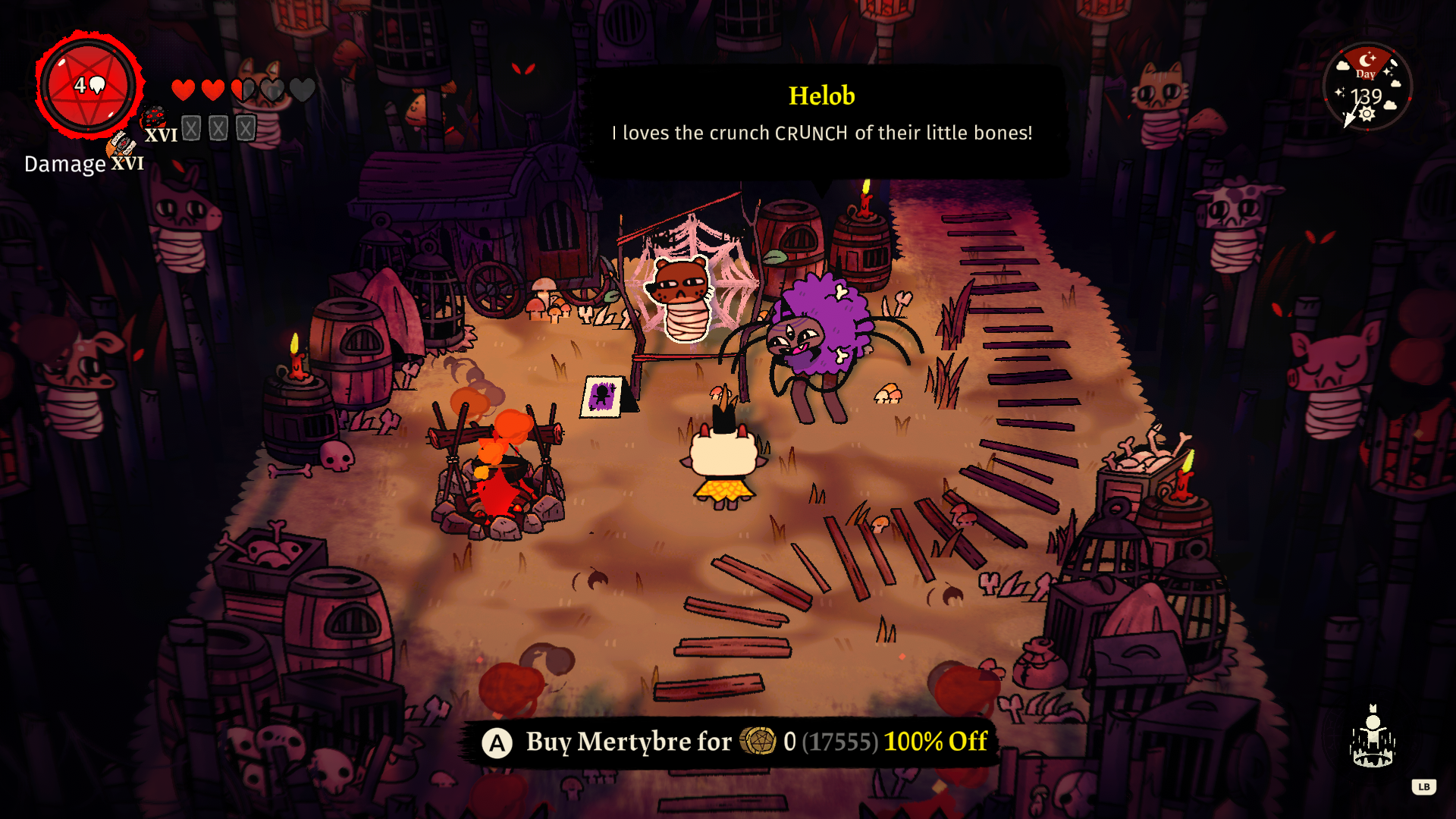
Opens at01:42:18 · the reported moment
IncludedVideo, inputs, telemetry, logs
EnvironmentBuild 0.9.41 · hardware profile
AccessStudio workspace · no download
Evidence Capabilities
- Live session playback
- Synchronized event timeline
- User input highway
- Session replay
- Telemetry graphs
- Anomaly alerts
- Game logs
- Visual, text & voice annotations
- Multi-view investigation
- TopMod AI-assisted video analysis
The investigation layer of the Game Quality Engine.
Capture preserves what happened. Checkpoint review ensures detail and accuracy. Evidence brings the context together.
Capture
Preserves what happened
Evidence
Brings the context together
Checkpoint
Quality control before hand off
Stop reconstructing the session.
See how Evidence gives teams the gameplay and technical context to understand and fix bugs faster.