
The Game Quality Engine
TopMod is a fully connected platform which enables better bug reporting, faster fixes, earlier risk signals and more informed studio decisions.
Request a demoOptimize & improve the bug lifecycle
01 · RECORD BUGS EFFORTLESSLY
Capture the moment.
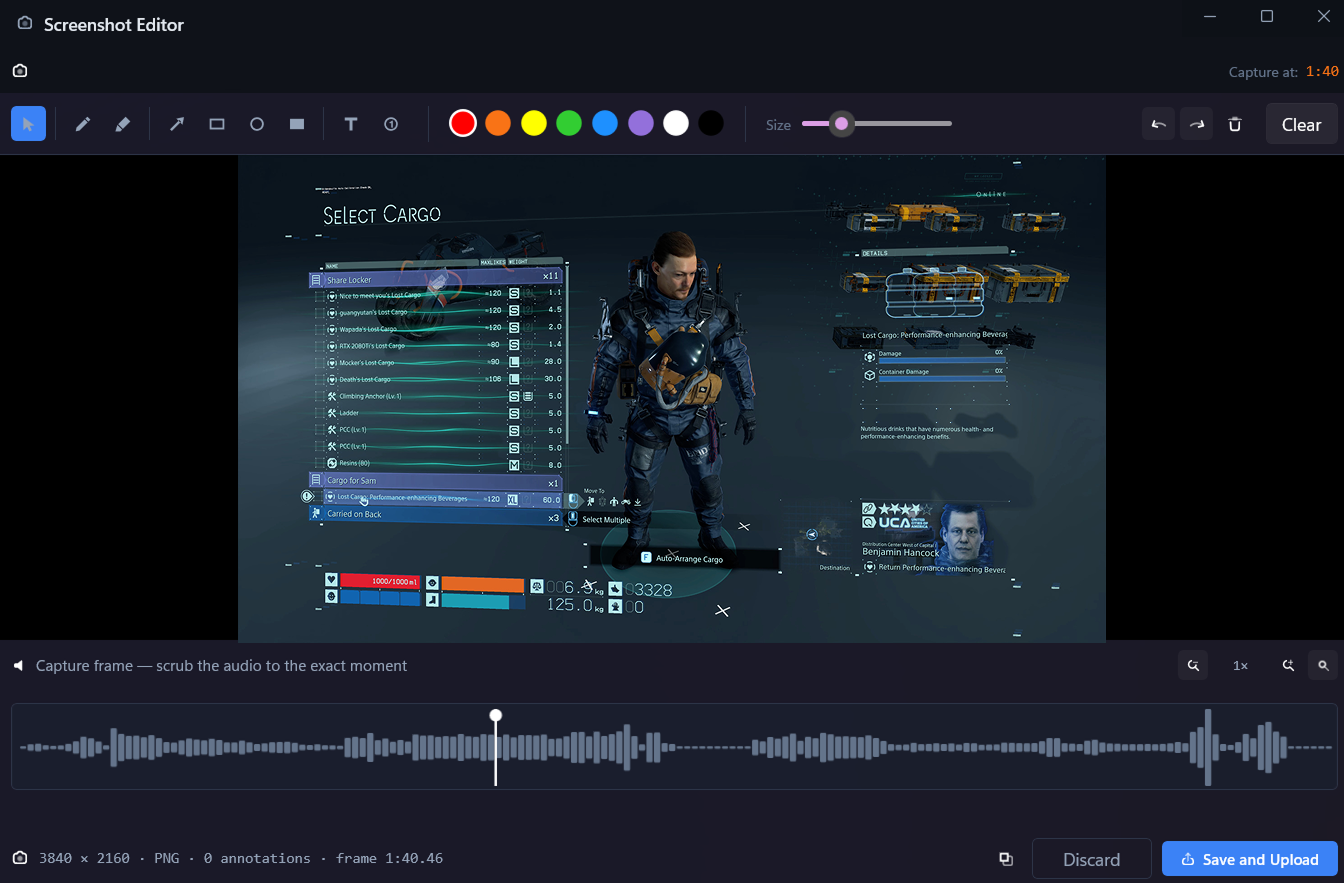
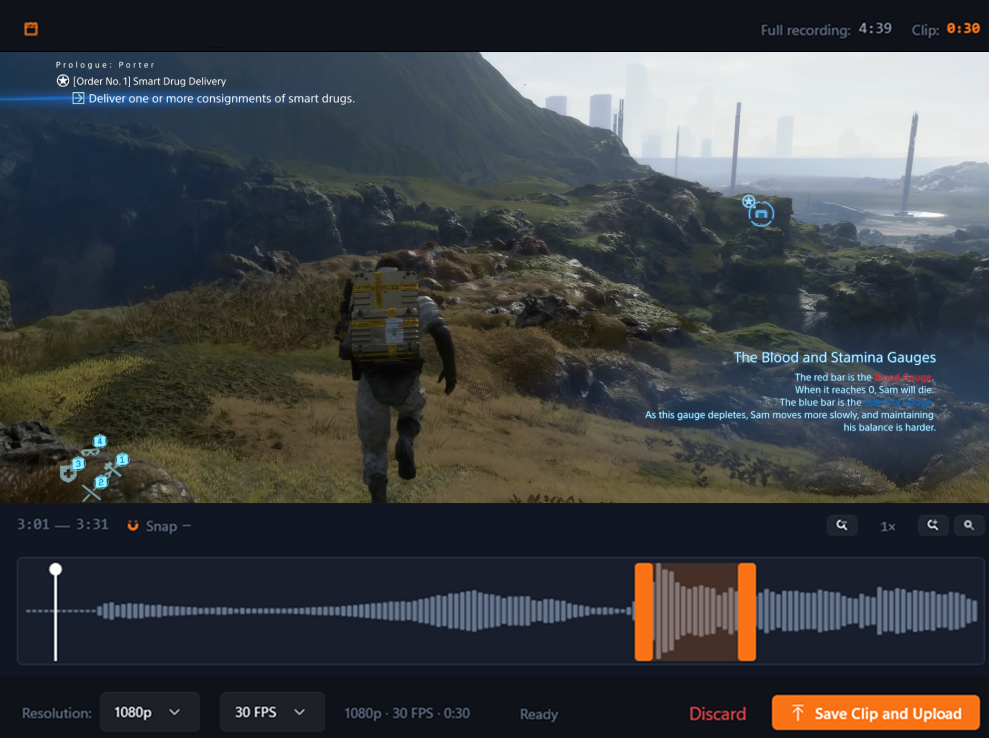
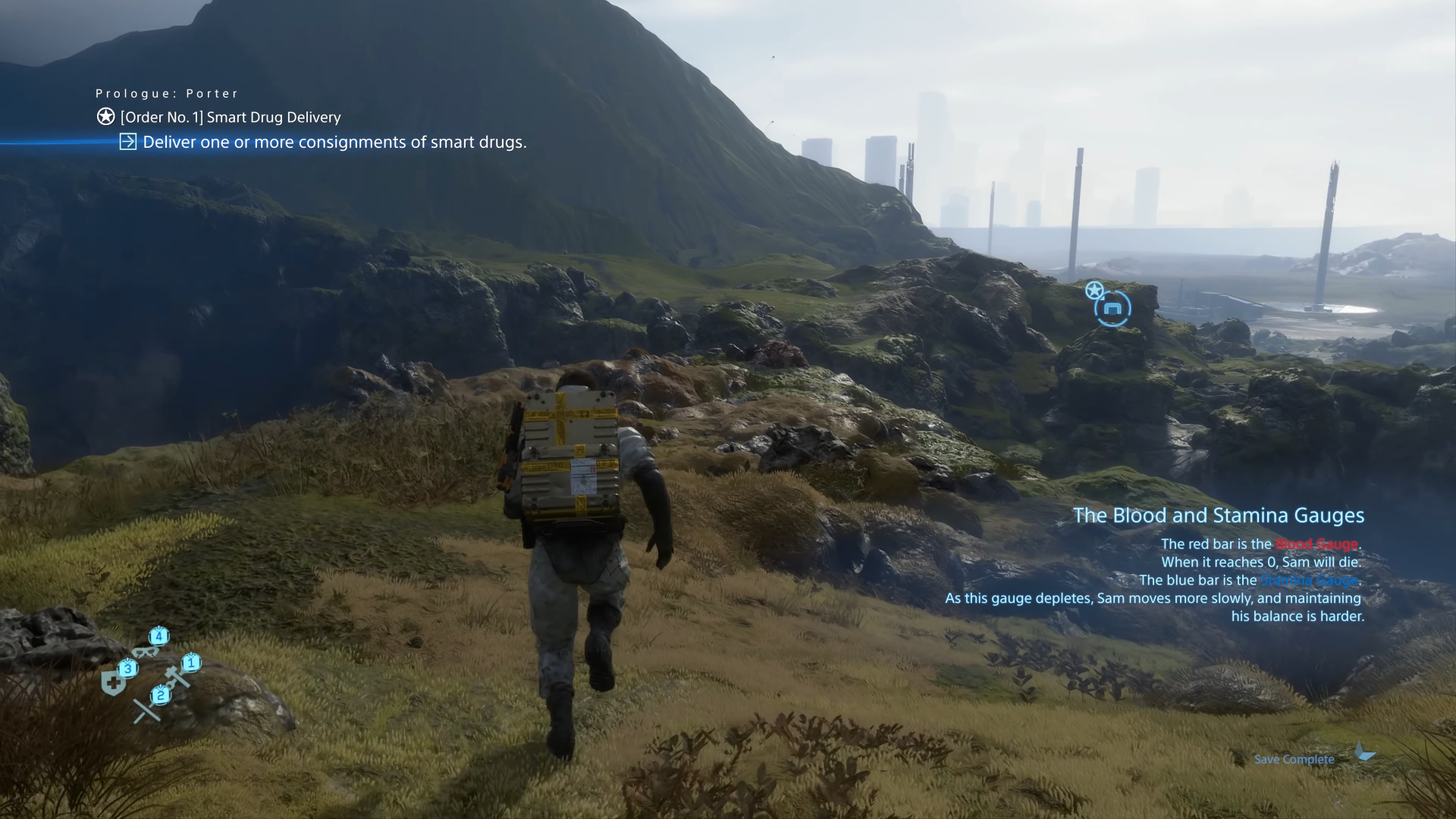
Purpose-built recording for game testing, with gameplay, inputs, performance context and game logs captured in every session.
Clip & screenshot creation
User input capture
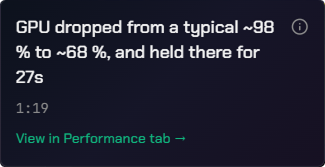
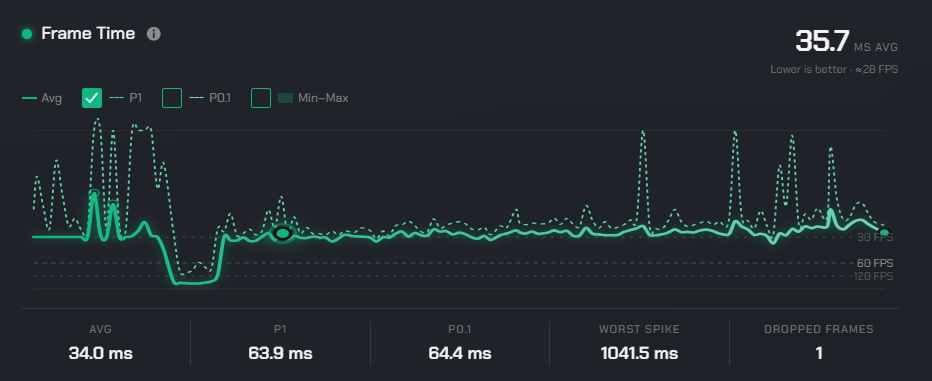
Performance telemetry
Customizable keyboard shortcuts
02 · ENRICH AND REVIEW RECORDINGS
Keep the context.
All recorded footage is presented for review within the Evidence System, allowing the tester to enrich the bug with annotations and additional information.
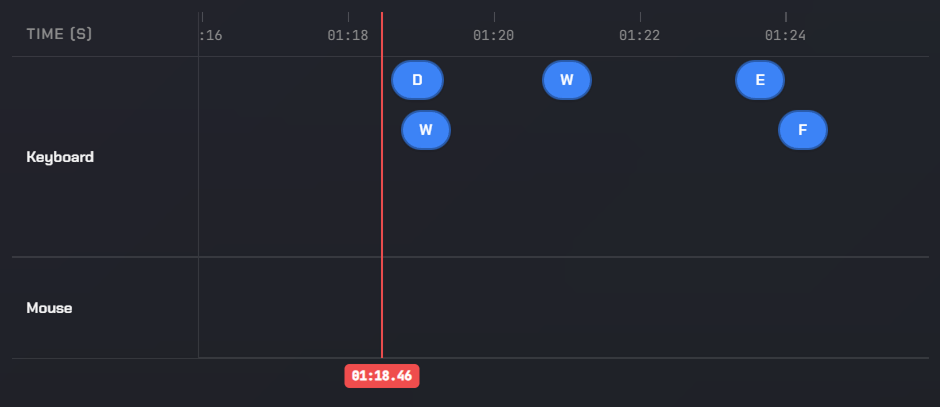
Synchronized event timeline
Anomaly identification
Visual annotation
Voice notes
03 · BUG SUBMISSION & TRIAGE
Increase quality.
Bugs are submitted into the Checkpoint System for review. Bugs are scored, evaluated and compared against the backlog to ensure no detail is missed.
Weighted bug score
Duplicate & Regression detection
Jira Import & Synchronization
AI or human review
1 · Score
Weighted on completeness, clarity and evidence
2 · Backlog match
Possible duplicate · TM-138
3 · Review
AI and human review complete
Bug is weighted on completeness, clarity and evidence.
Possible duplicate
TM-138 · same crash signature
Regression candidate
TM-087 · closed in build 0.9.34
Known issue
KI-019 · workaround documented
Compared against the existing backlog.
AI review
Checks completeness, clarity and required fields.
Human review
Confirms the bug, evidence and severity.
Approved reports submitted, the rest go back for further edits.
04 · DEVELOPER HAND OFF
Faster bug resolution.
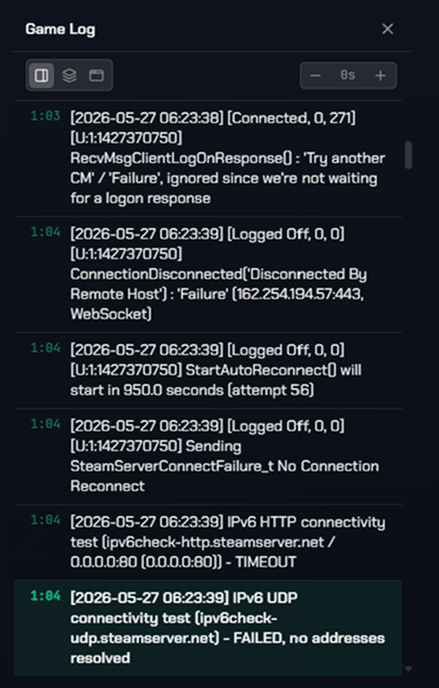
Developers receive the full picture of the issue: detailed bug ticket, high quality recording or screenshot, and the context of the environment the issue was encountered in. This includes game logs, performance data and the user inputs at the time of the bug.
Animation hitch on movement after checkpoint reload
Evidence link
One link, no downloads, no re-recording.
Reproduction steps
Written, reviewed and checked before hand-off.
Session context
Build, device, inputs, performance and game logs.
Triage state
Duplicates, regressions and known issues already resolved.
Monitor, analyze and manage QA Operations
Intel
Understand quality trends.
Intel reads across your TopMod data, identifying quality signals in your test activity, developer workload and team allocation.
- +18%
Regressions increasing
Reopened issues up across the last three builds
- −12
Tester performance drop
A. Novak · bug quality score down this sprint
- 6 days
Test coverage gap
Traversal areas untested since build 0.9.38
- +24
Tickets ready to test rising
New fixes awaiting verification this week
Command
Assign the correct resources.
Command enables multi-SKU management, bringing team distribution, availability, capacity, skillsets, performance and inventory availability into a single operational view.
Workload this week
capacity
The utility layer that keeps the Studio informed and aligned
All of TopMod's systems sit inside a wider workspace supported by a range of additional tools: in-app inbox, built-in documentation and organization management, all connected by the tools your Studio already works in.
In-app inbox
Key changes are shared in-app as they happen, so everyone is informed.
Extensive customization
Workflows, fields, review rules and reporting adapted to how each Studio already works.
Built-in documentation
Supporting project guidance, knowledge bases and process frameworks exist alongside the workflows.
Organization & workspaces
Projects, teams, roles and access managed per Studio, without extra tooling.
Integrations
See what Game Quality looks like when everything is connected.
Explore how TopMod fits into your Studio's Quality Operation.