Opening a link someone shared
Shared links open without a TopMod account. They work for evidence, bugs, split views, reports and dashboards.
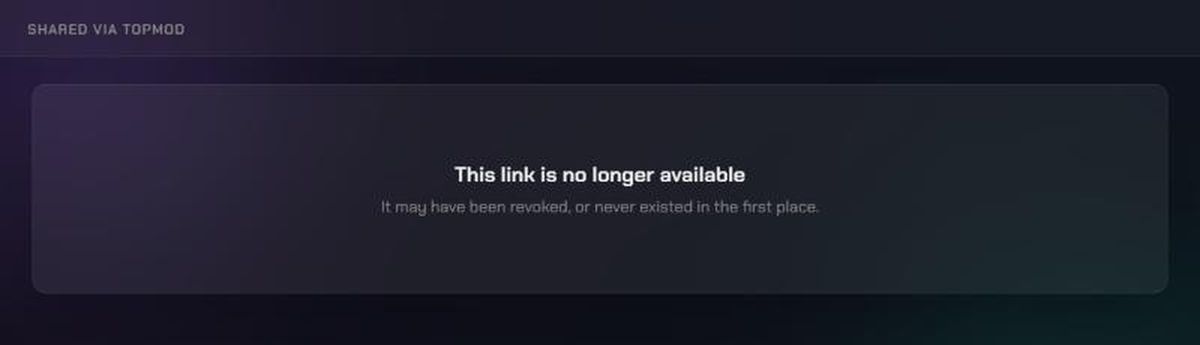
- This link is no longer available: "It may have been revoked, or never existed in the first place.": Check you copied the whole link. If you did, ask the person who shared it for a new one. The link may have been revoked, or sharing may have been turned off for their organization.
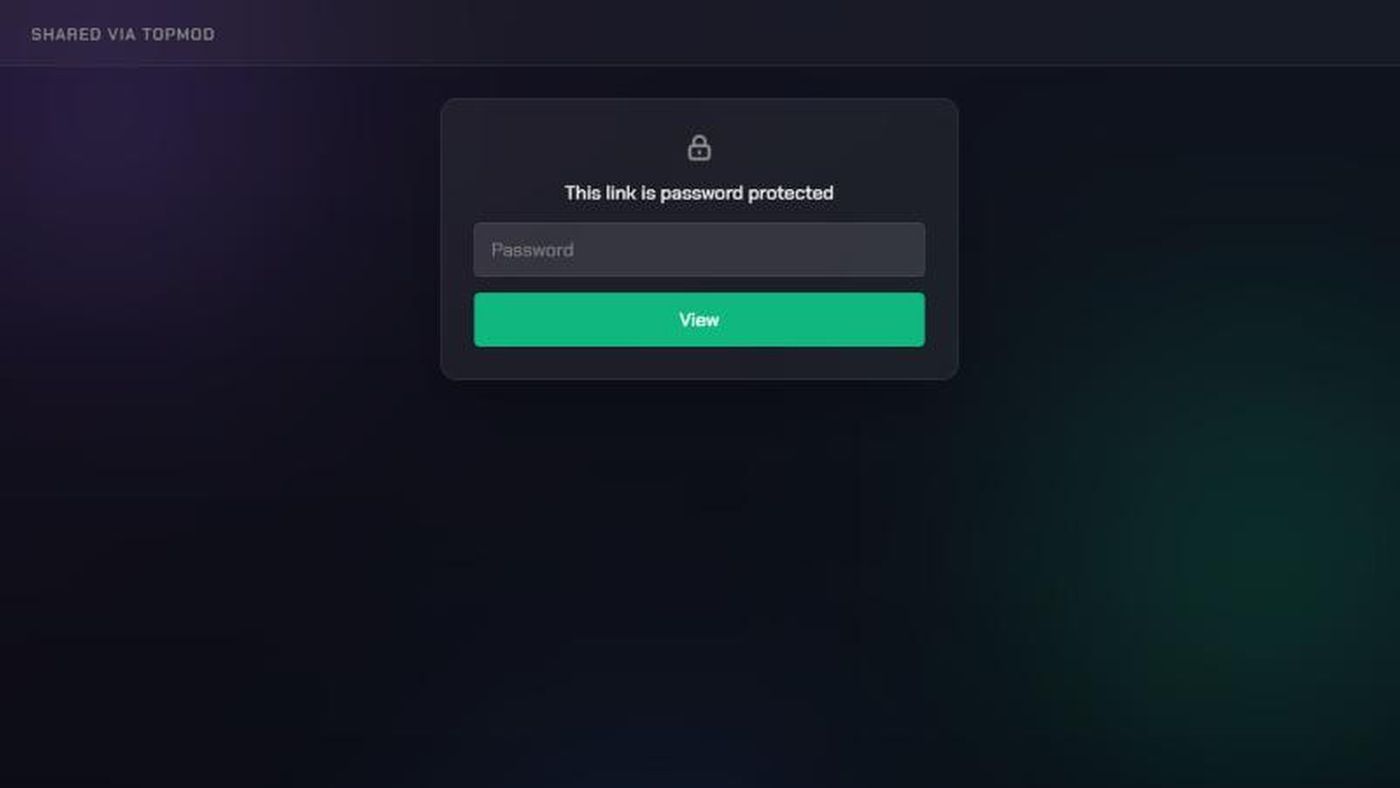
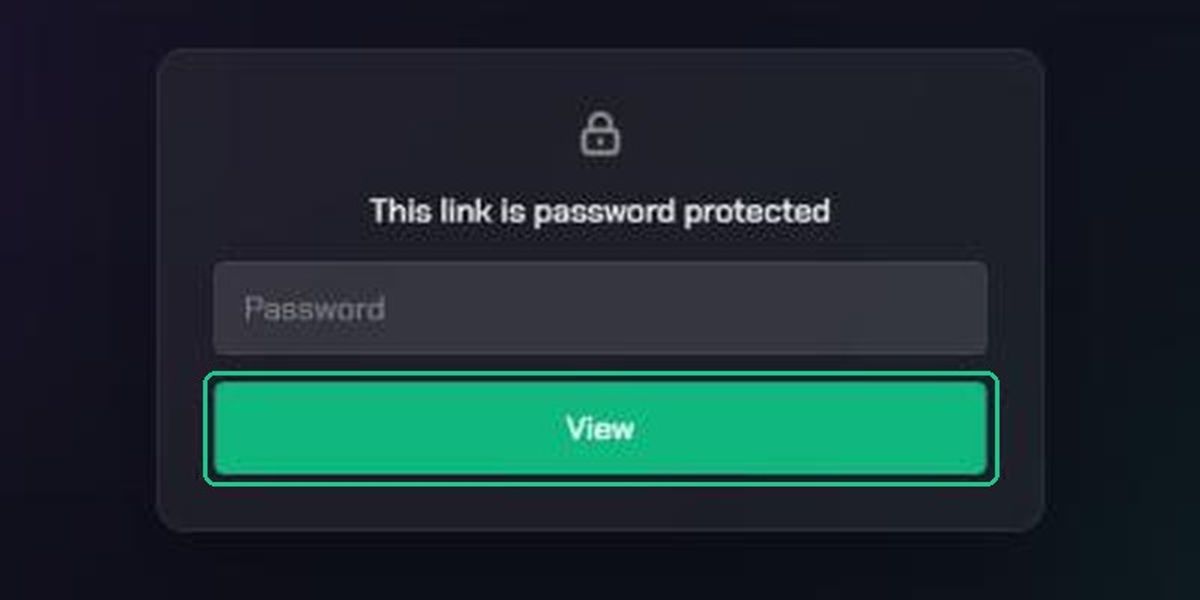
- This link is password protected: Enter the password the sender gave you and click View. TopMod doesn't send passwords, so ask the sender if you don't have it.
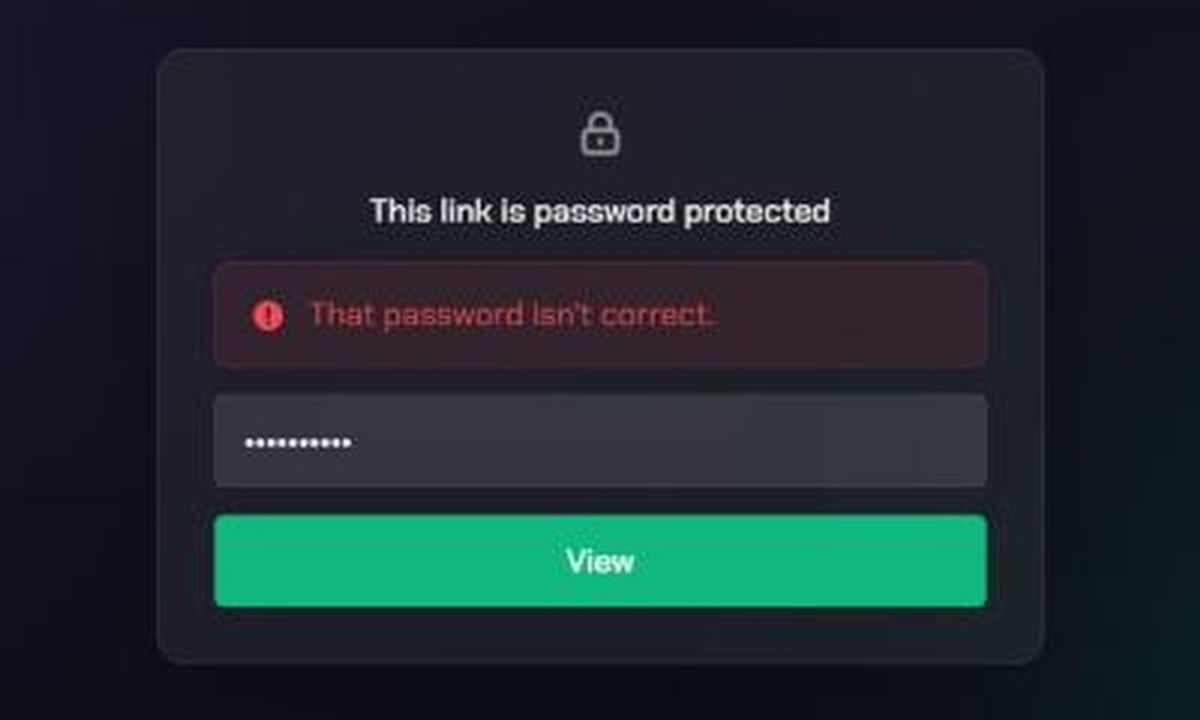
- "That password isn't correct.": Check the password with the sender and try again. Passwords are case sensitive.
- Too many attempts: "Try again later.": After 10 wrong passwords in a row the link locks for 15 minutes. Wait, then try again with the right password.
- "No clip video available", "No replay video available" or "No screenshot image available": The item has no media of that type attached. Ask the sender to check it in TopMod.
Public bug forms
Some teams share a public form so players or partners can report bugs without a TopMod account. When a report goes through, you'll see "Thanks — your report was submitted" and a Reference such as MAIN-214. Keep the reference if you want to follow up with the team.
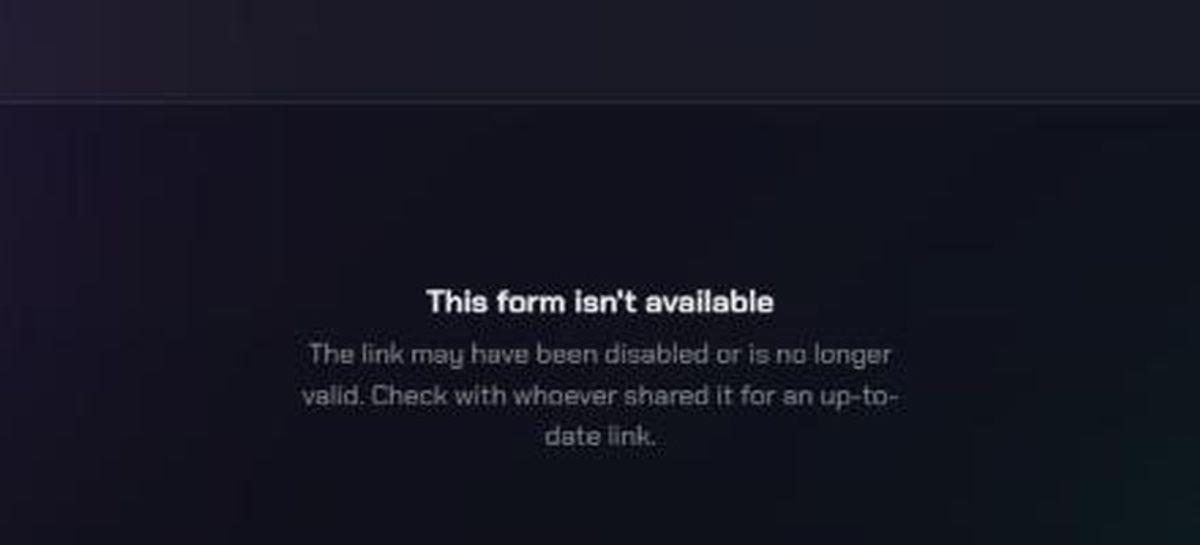
- This form isn't available: "The link may have been disabled or is no longer valid.": Ask whoever shared the form for an up-to-date link.
- "This form is no longer available." after clicking Submit Bug: The form was turned off while you were filling it in. Copy your text somewhere safe and ask the team for a new link.
- Submit Bug does nothing, or a field is marked as needed: Fill in every required field, then try again.
- "Could not submit this bug.": Check your connection and click Submit Bug again.
Sharing links yourself
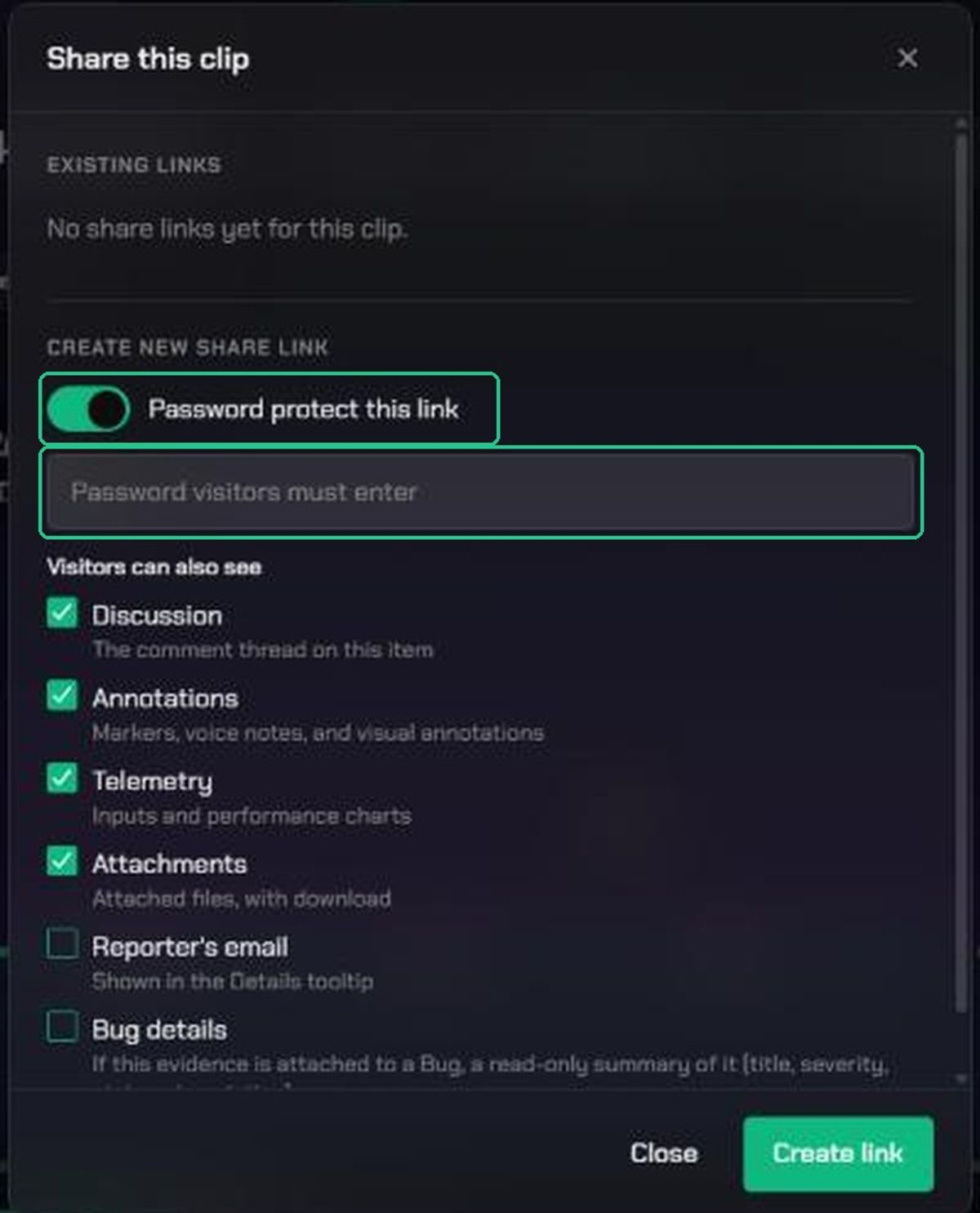
- "This workspace requires a password on every share link.": Turn on Password protect this link, set a password and create the link again. Send the password separately from the link.
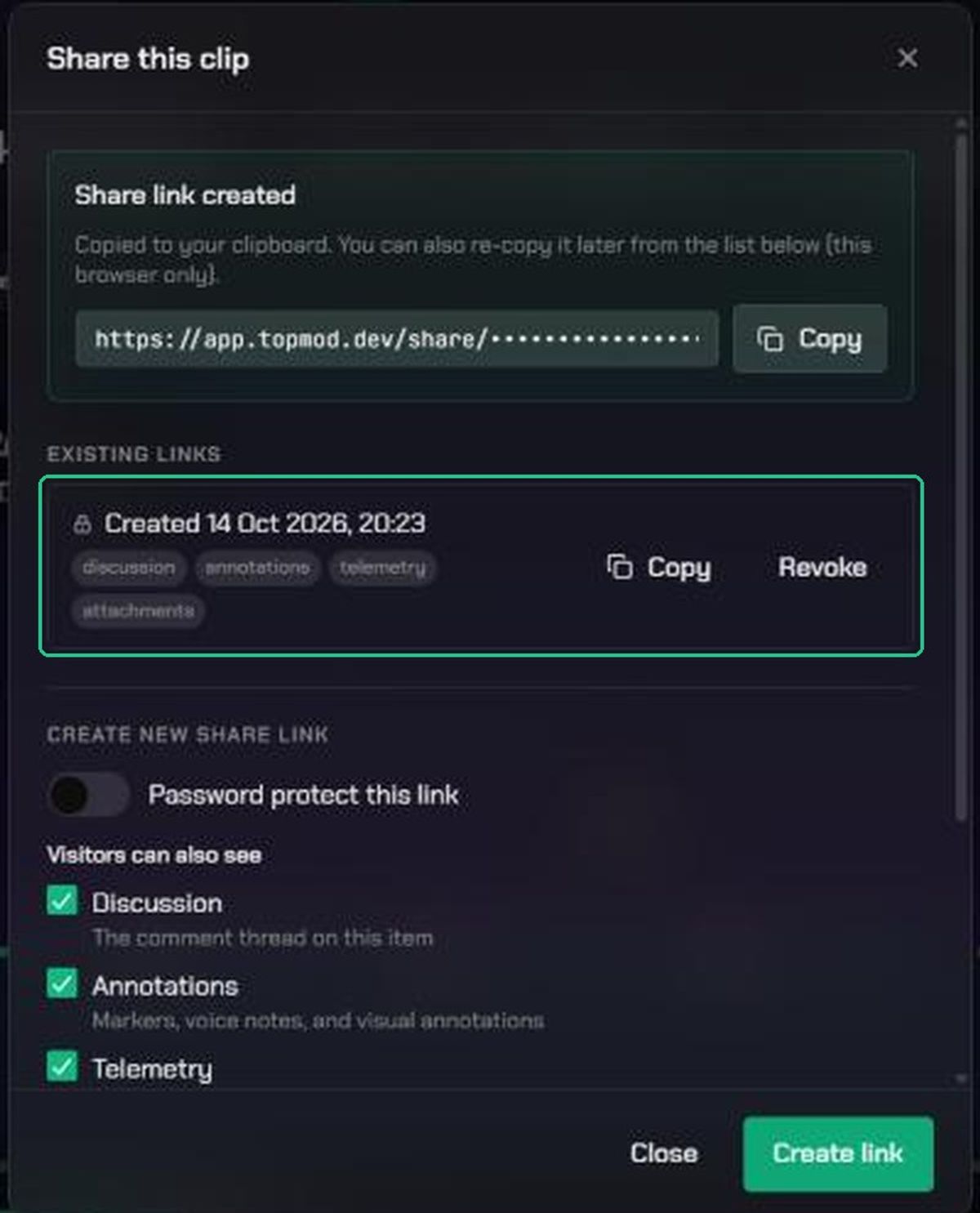
- You've lost a link you created: Open the share window again and click Copy next to the link in the list. This only works in the browser you created it in. Otherwise, create a new link.
- A link you shared has stopped working: Check the share window: it may have been revoked or deleted. Sharing may also have been turned off for your organization. An organization admin can check this (see Control public sharing for your organization).
- You want to stop a link working: Click Revoke next to it in the share window. It stops working straight away, and anyone with the link sees "This link is no longer available". You can then click Delete to remove it from the list.
- Someone can't get past the password: They may be locked out for 15 minutes after 10 wrong tries. Confirm the password with them, then ask them to wait and try again.