
Which help to use
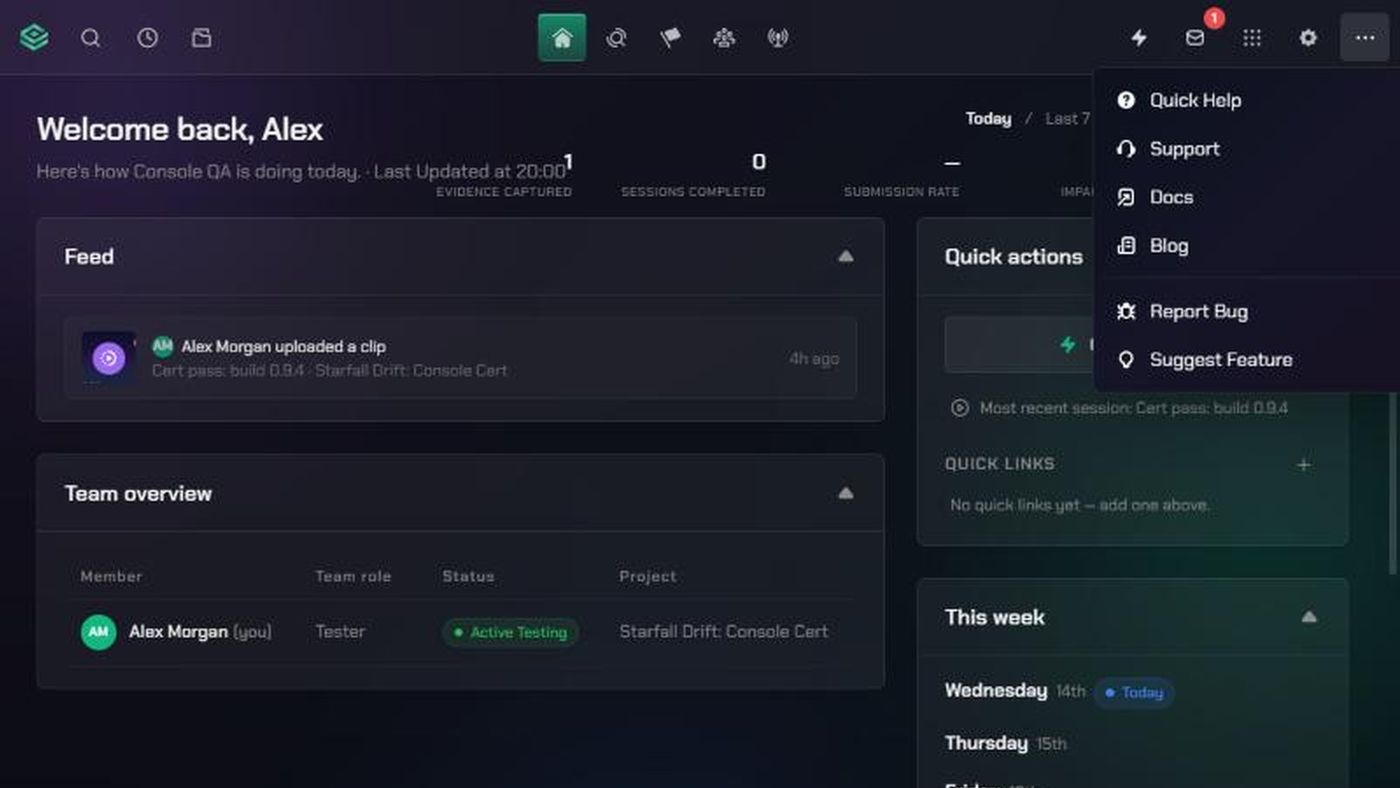
Everything below lives in the More menu: the three-dots icon in TopMod's navigation. It sits at the end of the top bar, or at the bottom of the sidebar if you use the sidebar layout.
- Understand the page you're on: Quick Help. A short explanation of this area, with shortcuts to its main tasks.
- Follow a step-by-step guide: Docs. Opens the TopMod help centre in a new tab.
- Ask the TopMod team for help: Support. Opens the Support page, where you can message the team and see replies.
- Tell us something in TopMod isn't working: Report Bug. Sends a short bug report straight to the TopMod team.
- Suggest something new or better: Suggest Feature. Sends your idea straight to the TopMod team.
- Read product news and release notes: Blog. Opens the TopMod blog in a new tab.
Report Bug and Suggest Feature don't get a reply. If you need an answer, or something is stopping you from working, use Support instead.
1. Open the More menu
- Click More (the three-dots icon) in the navigation.
- Pick the option you need from the list.
2. Use Quick Help on any page
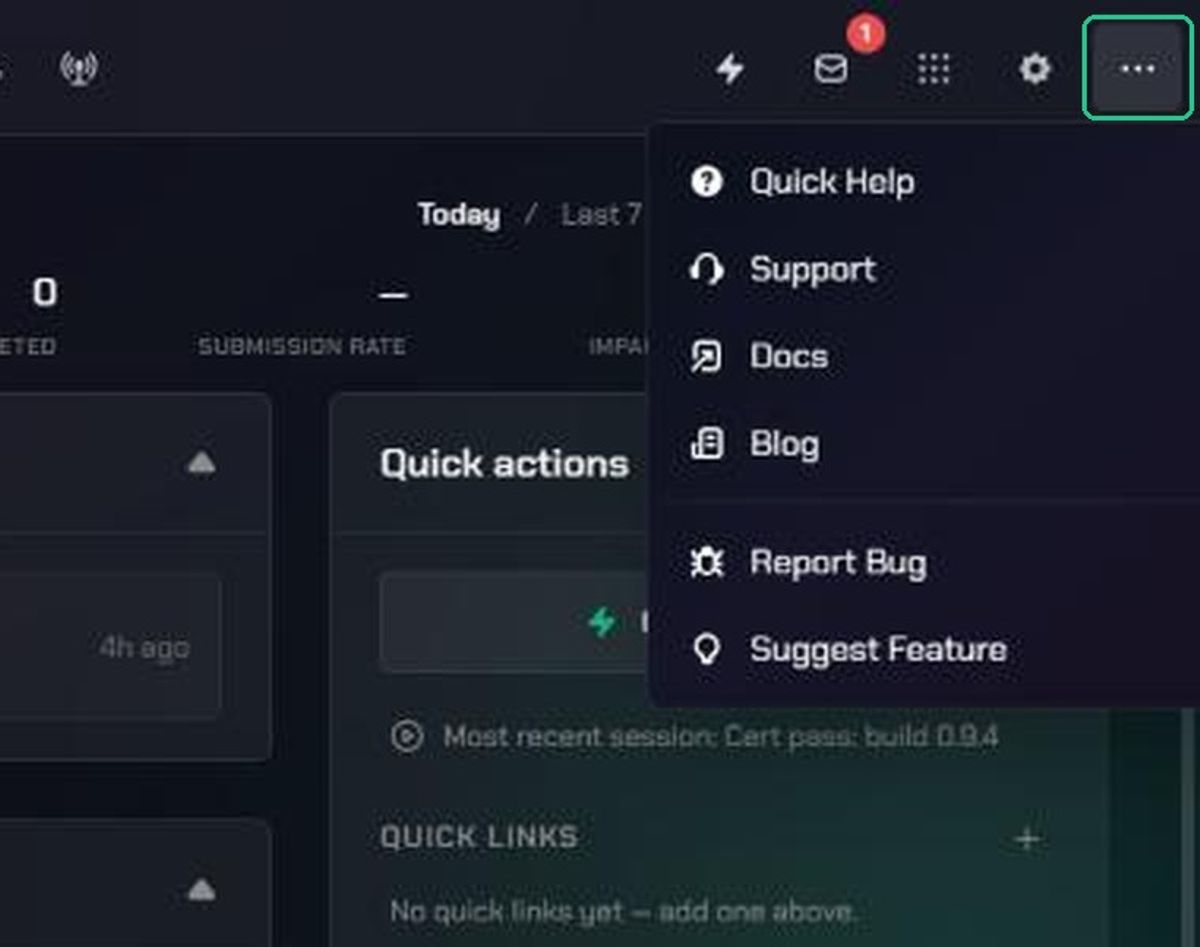
Quick Help explains the area you're in. It works on every page, so open it whenever you're unsure what something is for.
- Go to the page you want help with.
- Click More, then Quick Help.
- Read the short summary at the top.
- Under Quick actions, click a shortcut to go straight to that task, or click Close.
The first time you open Evidence, Checkpoint, Command, Intel, Inbox or Resources, the same window opens by itself as a welcome. In those areas it always shows Welcome to and a Got it, let me explore button, even when you open it from Quick Help. On Home you can also click Take the tour.
Bugs in TopMod or bugs in your game?
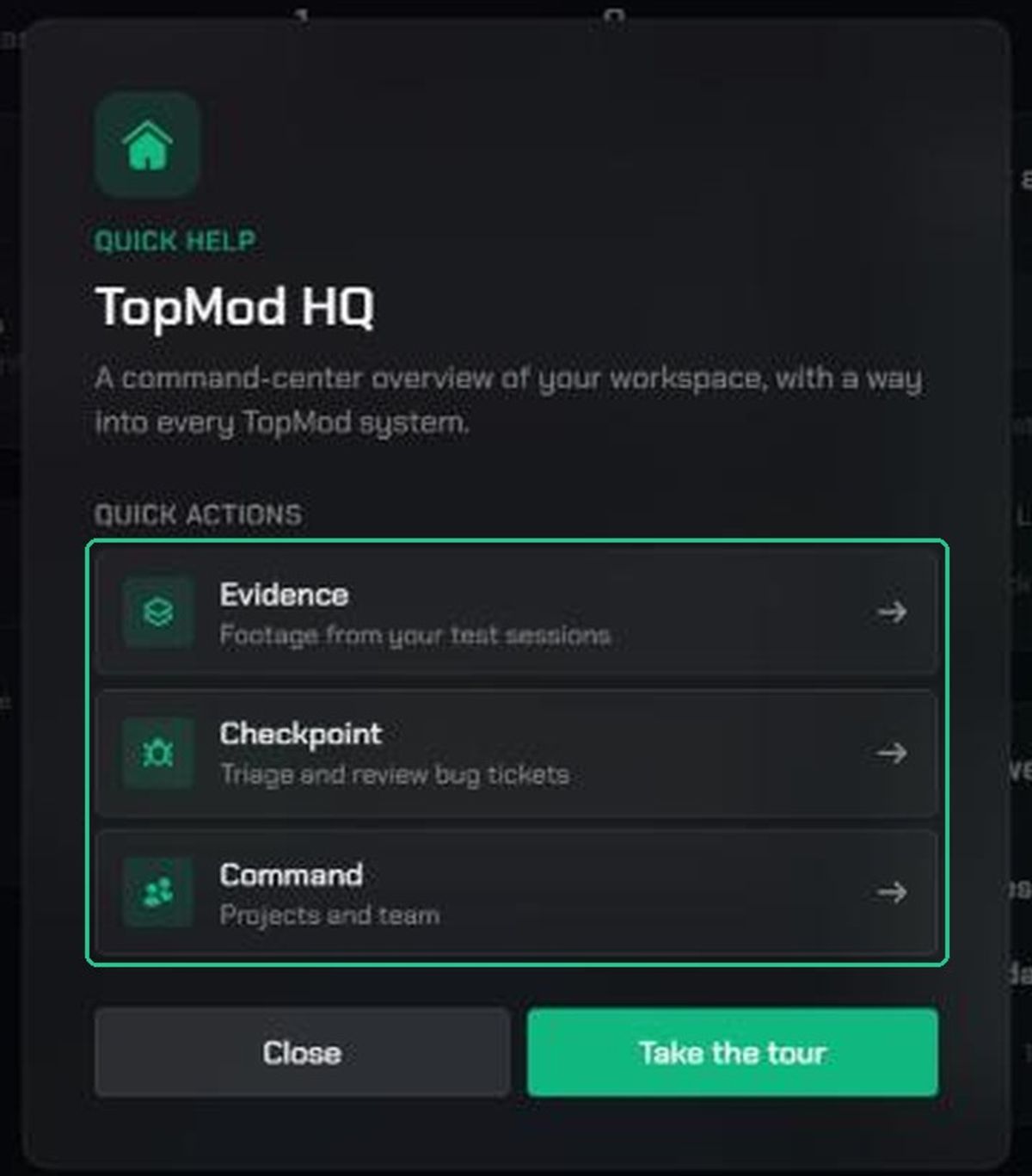
Report Bug in the More menu is for problems with TopMod itself, such as a page that won't load or a button that does nothing. It goes to the TopMod team, not to your workspace.
To log a bug you found in the game you're testing, use Checkpoint instead. Open Checkpoint, then click Submit a bug. That ticket goes into your team's backlog.
Before you contact support
Many problems have a quick fix. Try these first:
- Refresh the page. If that doesn't help, sign out and sign back in.
- Check the other Troubleshooting articles: sign-in and passwords, invitations and access, Capture and uploads, and share links and public forms.
- If you see an error message, copy it word for word. Support can help you much faster with the exact text.
Still stuck? See Contact TopMod support.