
Before you start
- This is for bugs in TopMod itself, such as a page that won't load, a button that does nothing or numbers that look wrong. Anyone signed in can send one.
- Found a bug in the game you're testing? Log it in Checkpoint instead, with Submit a bug. That ticket goes to your team's backlog, not to TopMod.
- Need an answer? Bug reports don't get a reply. If the problem is stopping you from working, start a conversation in Support instead.
- Your name and email are sent with the report, so the team knows who it came from.
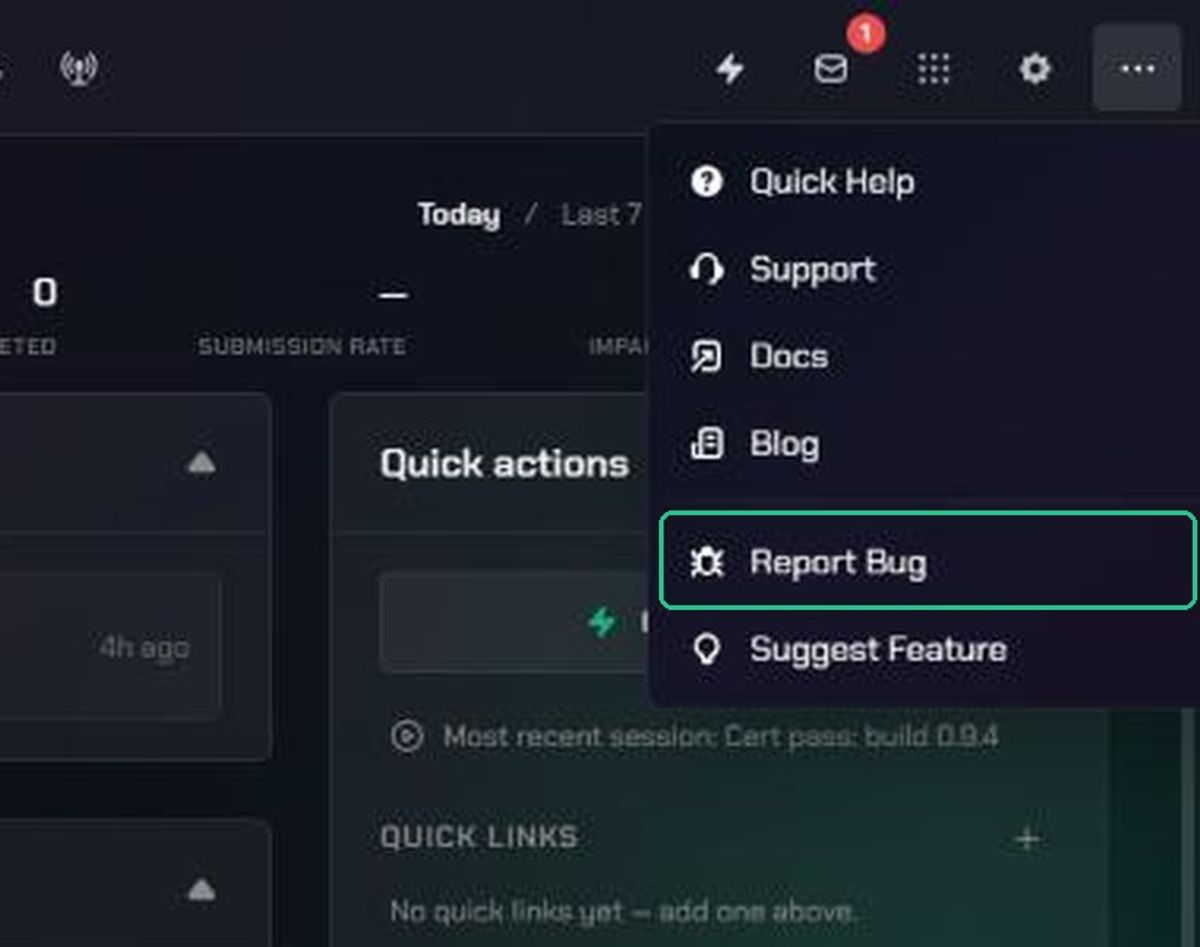
1. Open Report Bug
- Click More (the three-dots icon) in the navigation.
- Click Report Bug.
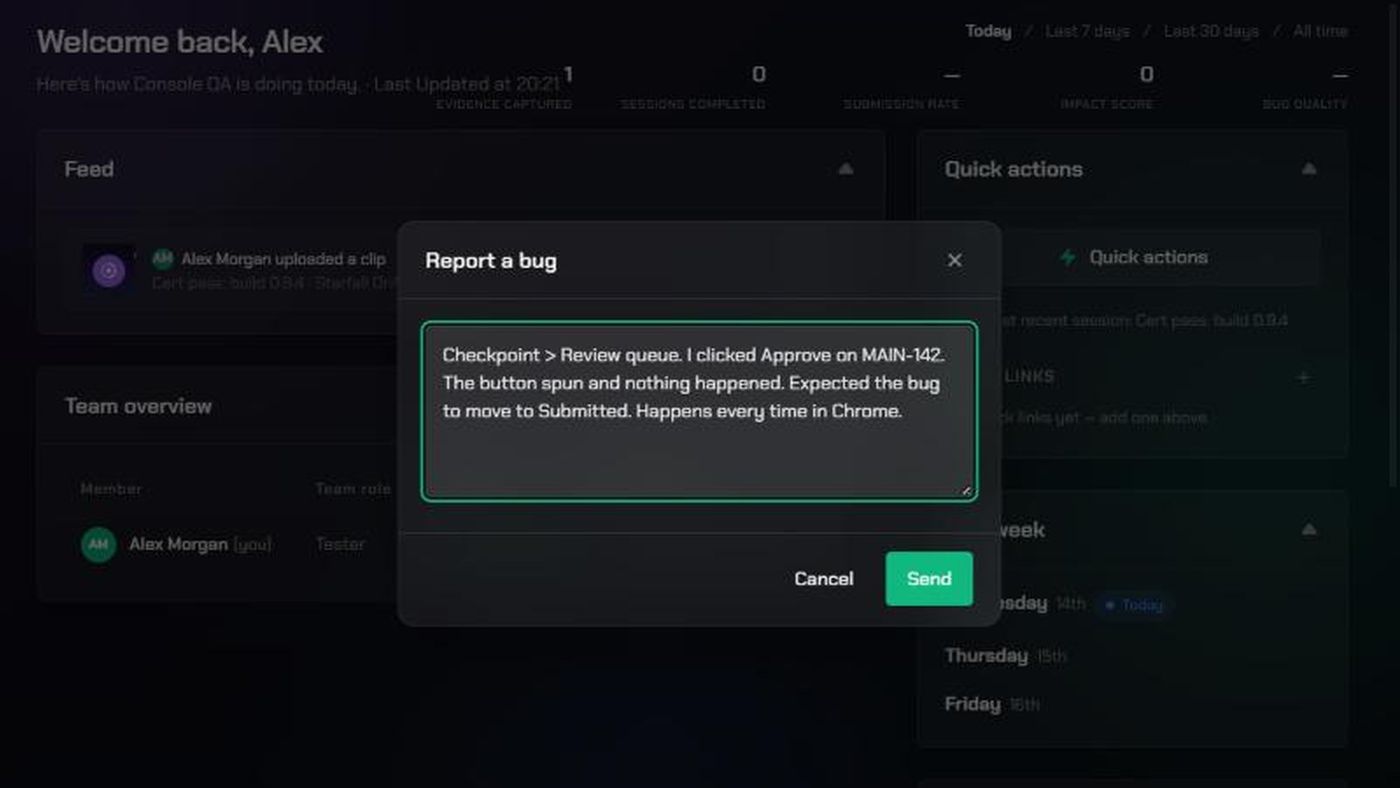
The Report a bug window opens over the page you're on, so you don't lose your place.
2. Describe what went wrong
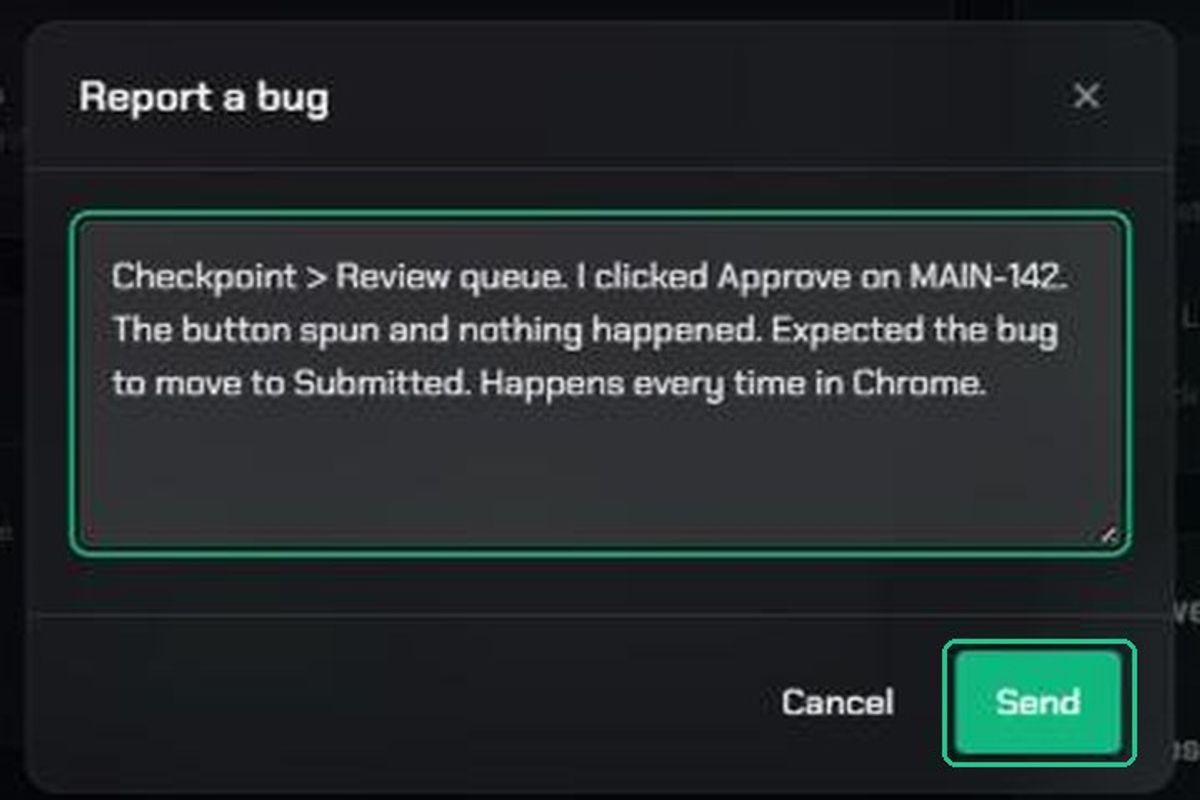
Type your report in the box. The form takes text only, so describe what you saw rather than attaching a screenshot.
A good report answers these questions:
- Where were you? The page or area, for example "Checkpoint, the Review queue".
- What did you do? The steps, in order.
- What did you expect to happen?
- What happened instead? Copy any error message word for word.
- How often? Every time, sometimes or once.
- Anything else useful? Your browser, or your Capture app version if the bug is in Capture.
For example: "Checkpoint > Review queue. I clicked Approve on MAIN-142. The button spun and nothing happened. Expected the bug to move to Submitted. Happens every time in Chrome."
3. Send it
- Click Send.
You'll see "Bug report sent — thanks for the input". To close without sending, click Cancel or the X. You'll see "Bug report discarded" and nothing is sent.
What happens next
Your report goes straight to the TopMod product team. They read every report, but you won't get a reply or a ticket number. If you want to follow up or need an answer, start a conversation in Support and mention that you also sent a bug report.
Troubleshooting
- Send is greyed out: Type a description first. Empty reports can't be sent.
- "Could not send that just now — please try again.": Check your internet connection and click Send again. Your text stays in the box.
- "This environment isn't configured to send feedback anywhere — this is a preview of the flow only.": You're on a test version of TopMod. Send the report from the main app at app.topmod.dev.