
Before you start
- Anyone signed in can suggest a feature. You don't need to be an admin.
- Something broken rather than missing? Use Report Bug instead. See Report a bug in TopMod.
- Want to discuss the idea? Requests don't get a reply. To talk it through with the team, start a conversation in Support.
- Your name and email are sent with the request, so the team can follow up if they need to.
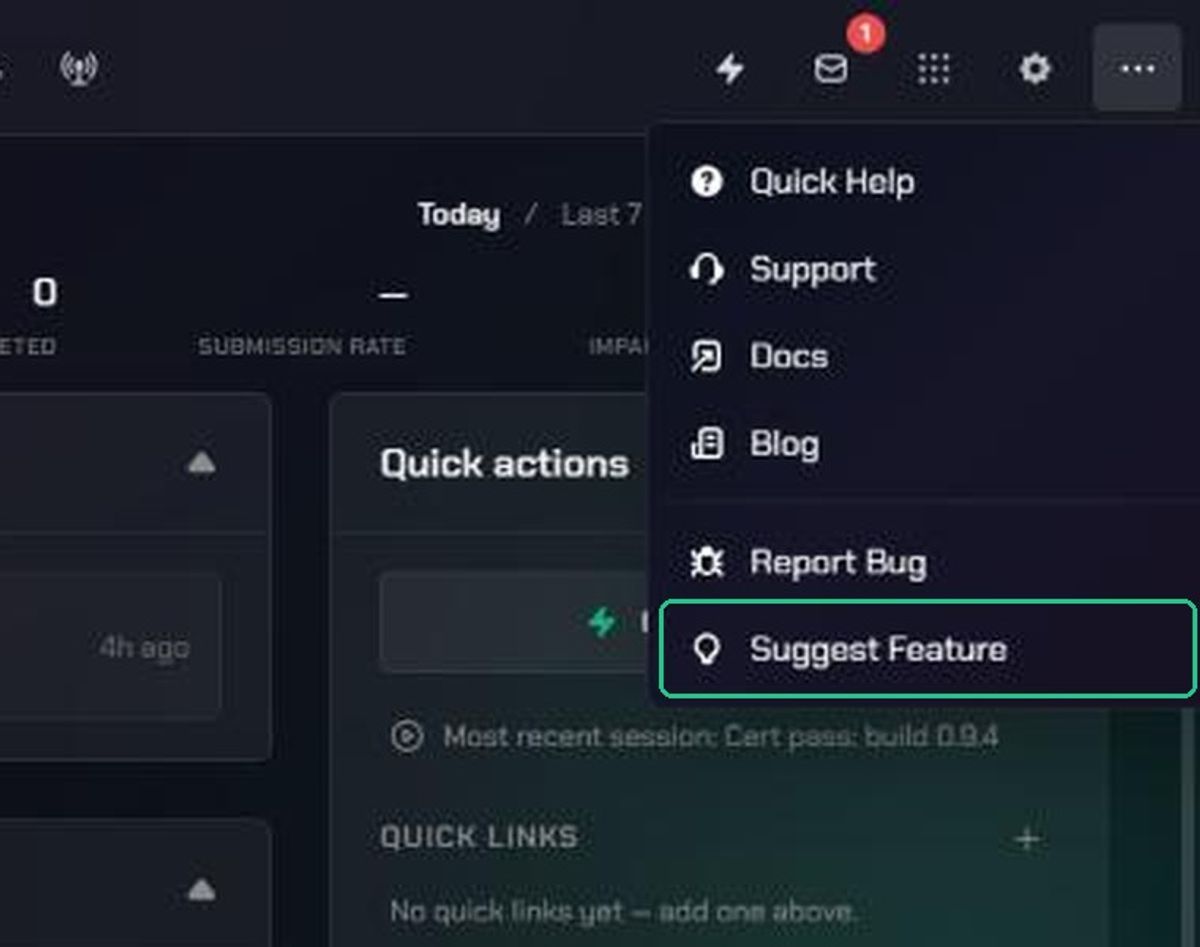
1. Open Suggest Feature
- Click More (the three-dots icon) in the navigation.
- Click Suggest Feature.
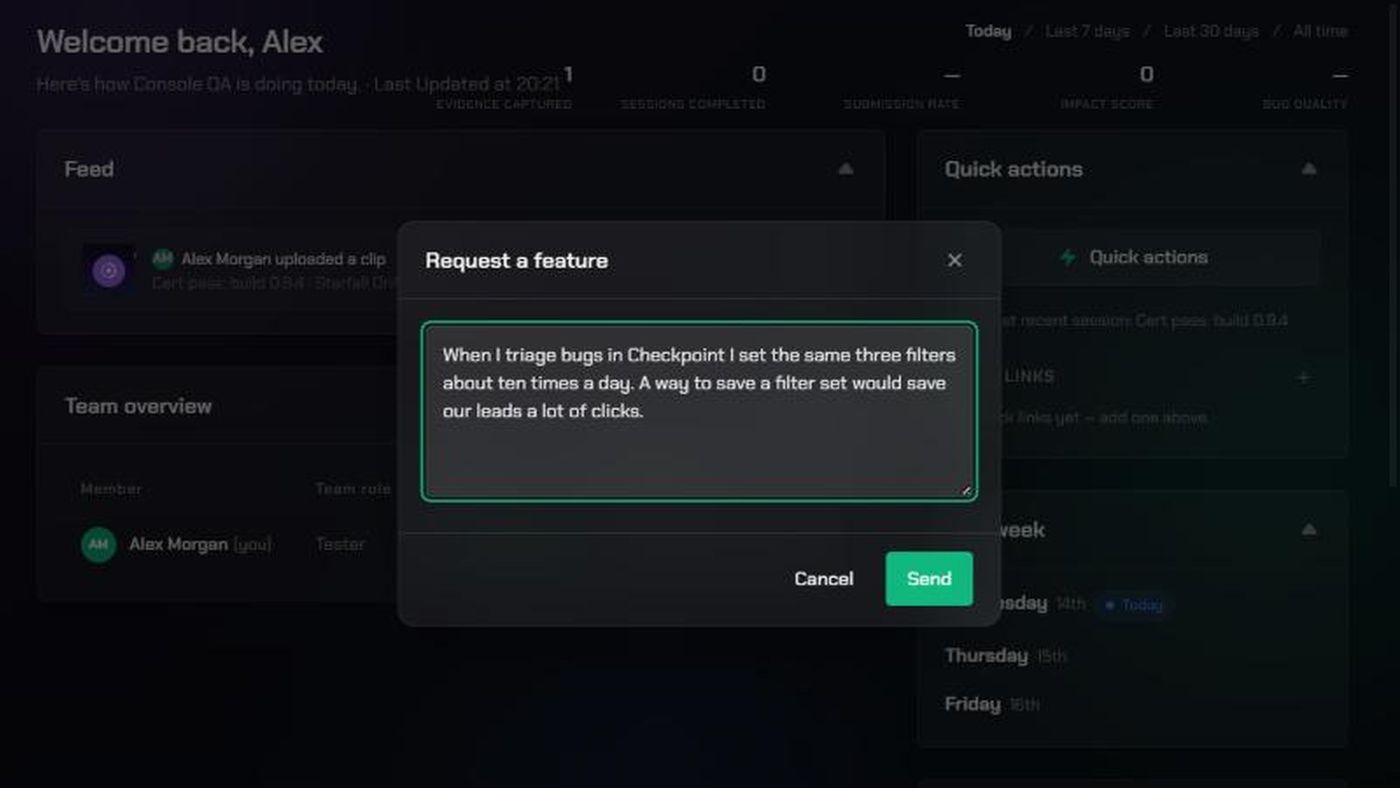
The Request a feature window opens over the page you're on.
2. Describe your idea
Type what you'd like to see added or changed. The most useful requests start with the problem, not the solution:
- What are you trying to do? The task or goal.
- What gets in the way today? What's slow, missing or awkward.
- How often does it come up? And who else on your team it affects.
- What do you do instead? Any workaround you use now.
- Your idea, if you have one in mind.
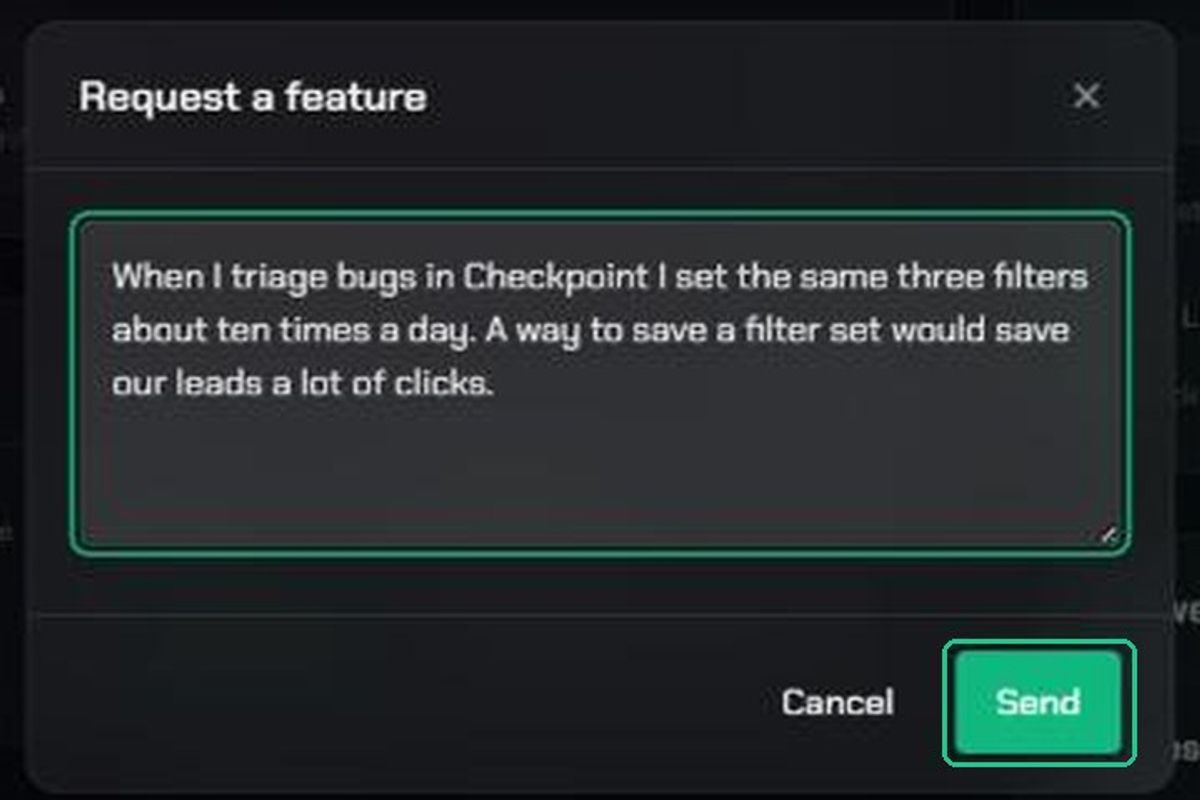
For example: "When I triage bugs in Checkpoint I set the same three filters about ten times a day. A way to save a filter set would save our leads a lot of clicks."
3. Send it
- Click Send.
You'll see "Feature request sent — thanks for the input". To close without sending, click Cancel or the X. You'll see "Feature request discarded" and nothing is sent.
What happens next
Your request goes straight to the TopMod product team, who use requests to decide what to build next. You won't get a reply or a ticket number. New features are announced on the TopMod blog: click More, then Blog.
Troubleshooting
- Send is greyed out: Type your request first. Empty requests can't be sent.
- "Could not send that just now — please try again.": Check your internet connection and click Send again. Your text stays in the box.
- "This environment isn't configured to send feedback anywhere — this is a preview of the flow only.": You're on a test version of TopMod. Send the request from the main app at app.topmod.dev.