
Before you start
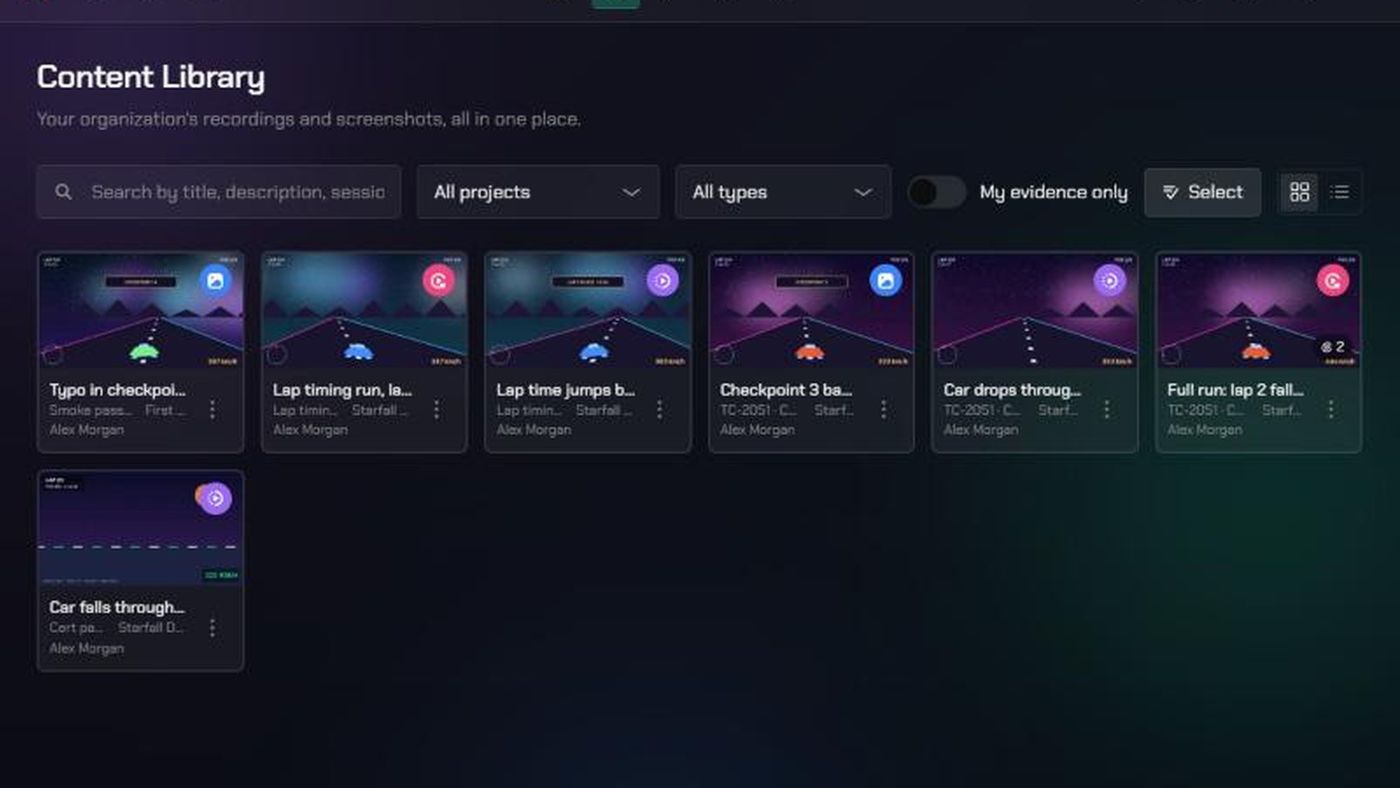
- The Content Library shows every clip, screenshot and replay in this workspace, newest first.
- Everyone in the workspace can see and open it.
- Who can rename or delete an item: the person who uploaded it, the project's Lead, and workspace or organization admins.
1. Open the Content Library
- In the top bar, click Evidence.
- Click Content Library.
2. Find evidence
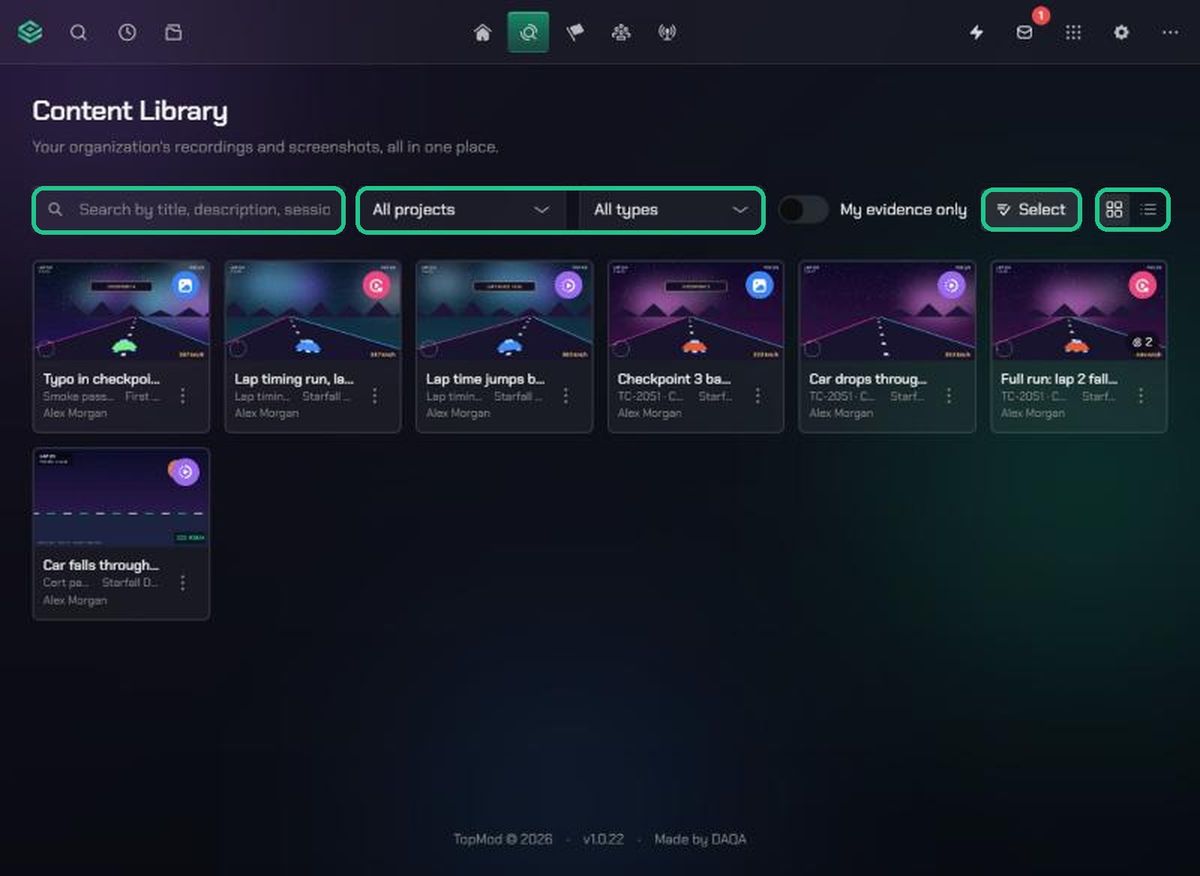
- Type in Search by title, description, session, or project….
- Choose a project from All projects, and a type from All types: Clip, Screenshot or Replay.
- Switch on My evidence only to see just your uploads.
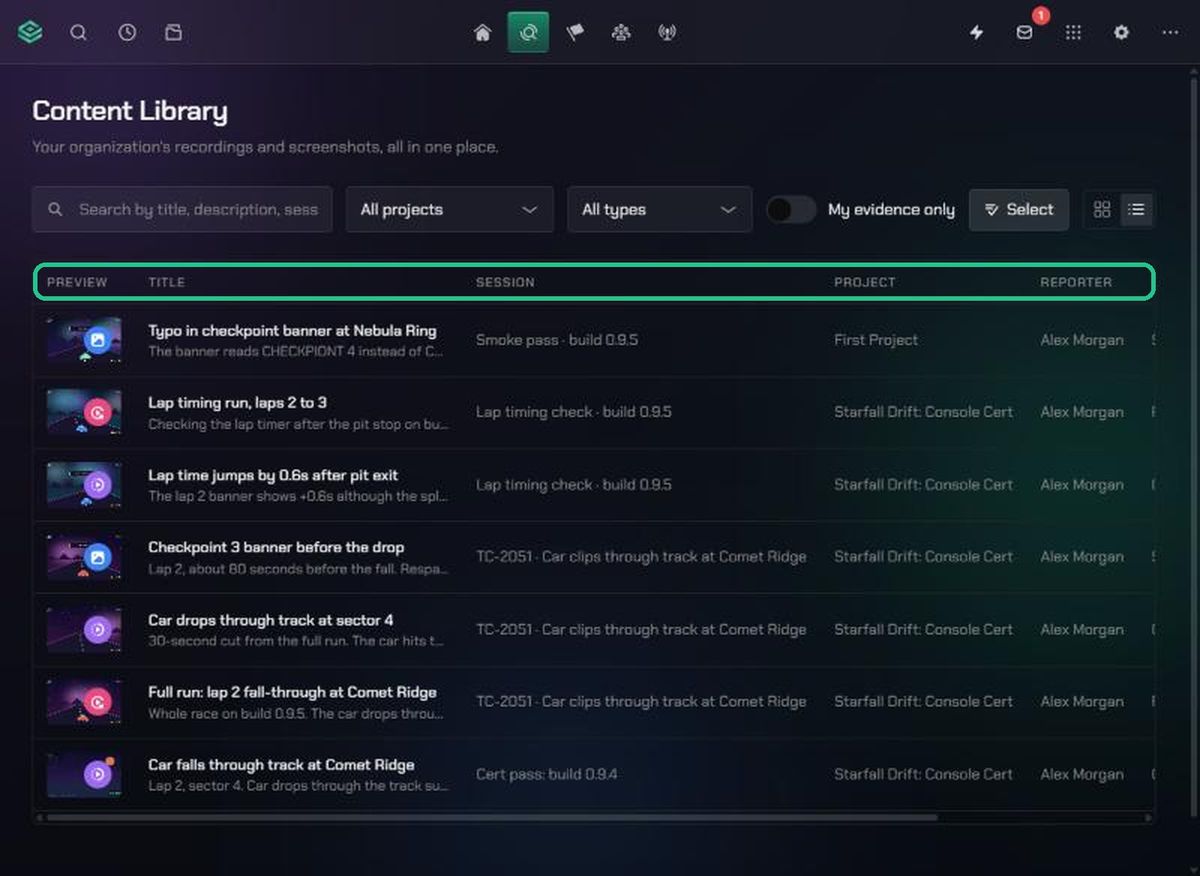
- Switch between Grid view and List view with the buttons at the top right. List view adds the reporter, type and date.
- Use Previous and Next at the bottom to page through, 24 items at a time.
A paperclip badge on a card shows how many files are attached to it.
3. Open, rename or describe an item
- Click a card to open it in its viewer.
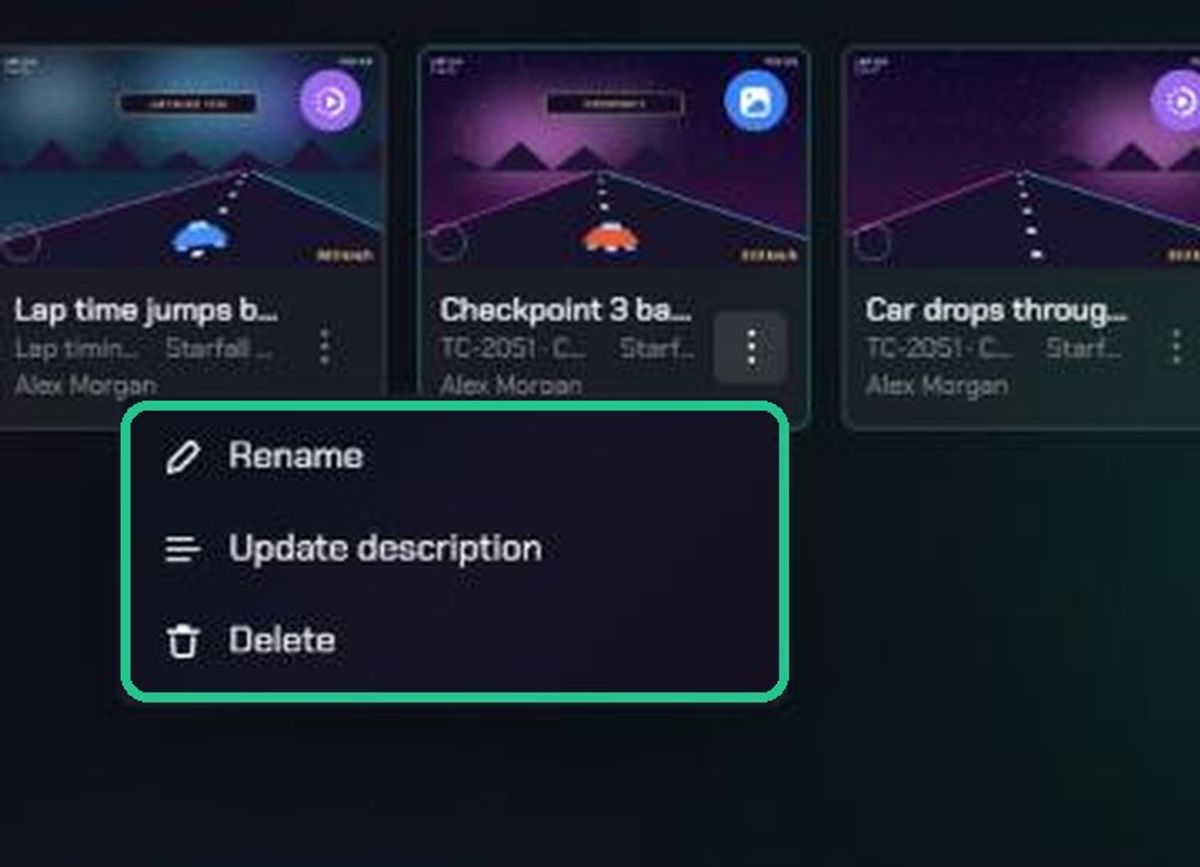
- To rename it, click its ⋮, then Rename. Type a Title and click Save.
- To change its description, click ⋮, then Update description, and click Save.
Sharing, downloading and adding files happen in the viewer. See "Share evidence with a public link" and "Download evidence files".
4. Delete evidence
- To delete one item, click its ⋮, then Delete, and confirm.
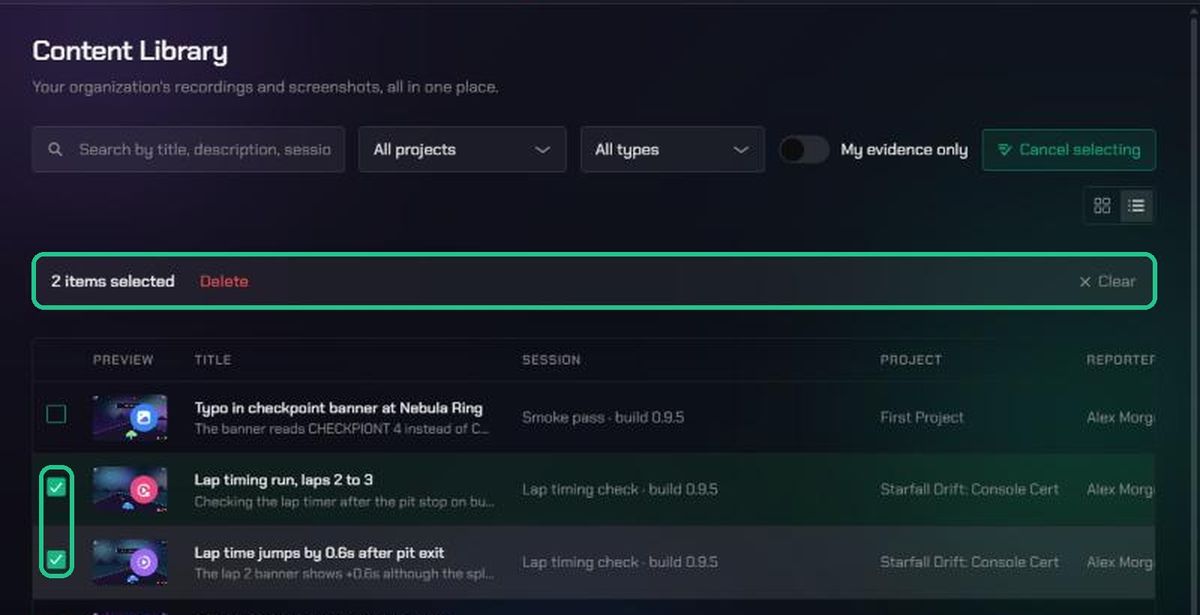
- To delete several, click Select, click each item, then click Delete in the bar that appears. Confirm with Delete.
You'll see "Evidence deleted" or "2 items deleted". Deleted items disappear from the Library, the Session List and the viewers, and you can't restore them from the app.
Troubleshooting
- An item's ⋮ is greyed out, or you can't select it. You didn't upload it and you're not the project's Lead or an admin.
- "No matching evidence". Clear the search, set the filters back to All projects and All types, and switch off My evidence only.
- "No evidence yet". Nothing has been uploaded to this workspace. Record with TopMod Capture, or use Quick Actions > Upload new evidence.
- "Could not delete this evidence item." Refresh the page and try again.