
Before you start
- Who can add files: the person who uploaded the evidence, the project's Lead, and workspace or organization admins.
- What you can add: any extra files (notes, repro steps, more screenshots), the tester's DXDiag report, the game log, and TopMod Capture data that failed to upload.
- Files are kept with the evidence. Anyone in the workspace can open them from the Attached Files pill.
1. Open Add files
- Open the replay, clip or screenshot.
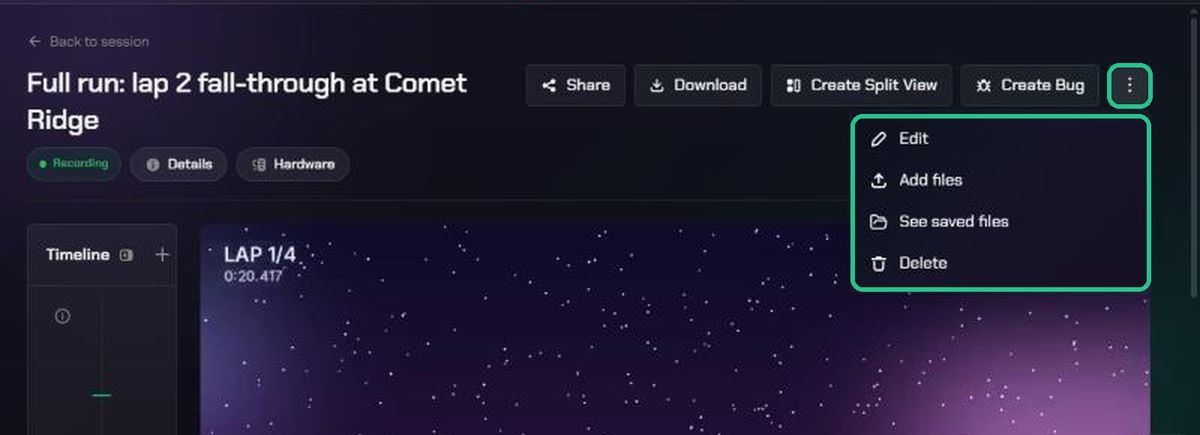
- Click ⋮ at the top right, then Add files.
The window is headed Add files to this replay (or clip, or screenshot). The same menu has Edit, See saved files and Delete. Downloading is a separate Download button in the header.
2. Add the files
- Under Custom Attachments, drag files onto Drag & drop files here, or click to browse. Any file type works.
- To add a specific file instead, use DXDiag report (optional) or Game log (optional). Each one disappears once the evidence already has one.
- If TopMod Capture didn't upload a session's data, open Recover TopMod Capture Session and add the .protobuf and .json files.
- Click Upload. The button shows how many files you've added.
The window closes when the upload finishes.
3. Check what's saved
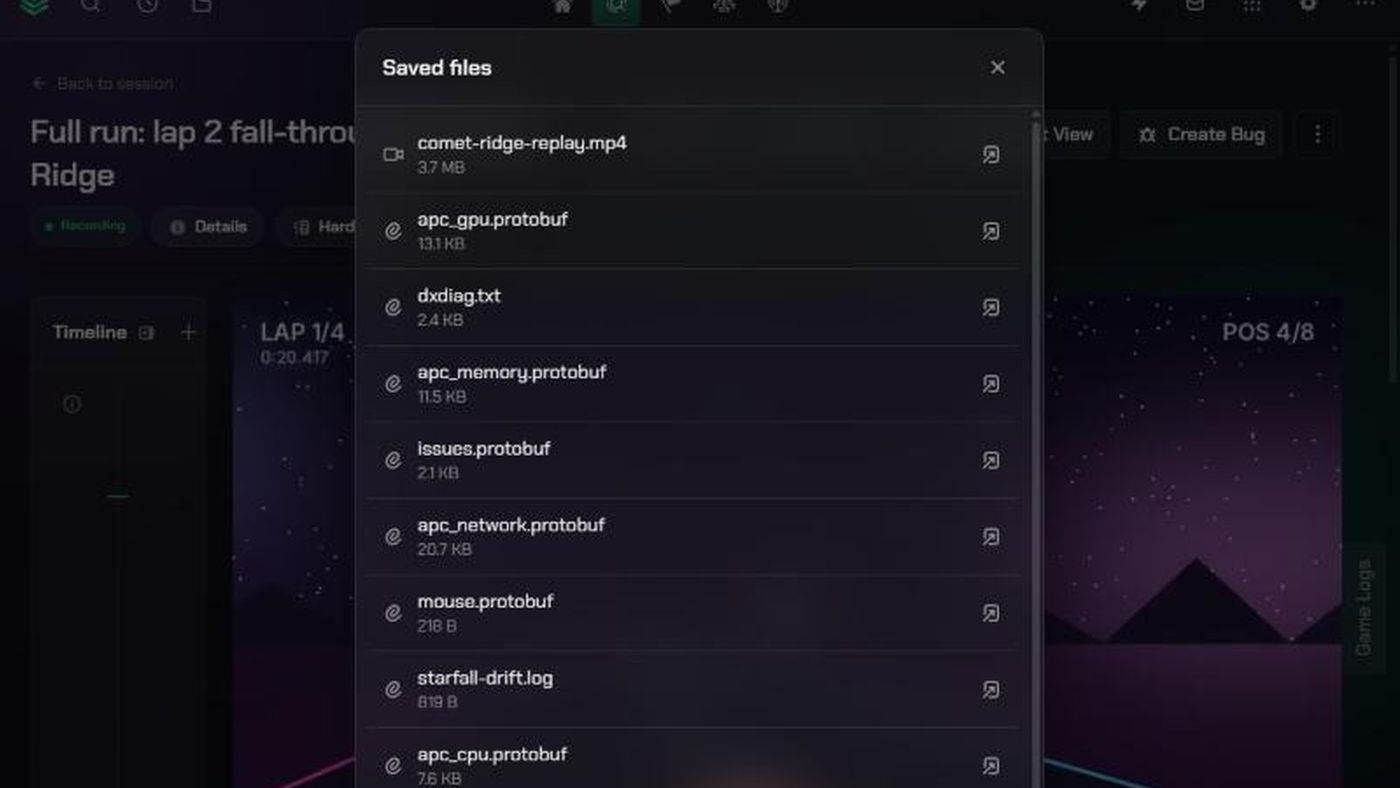
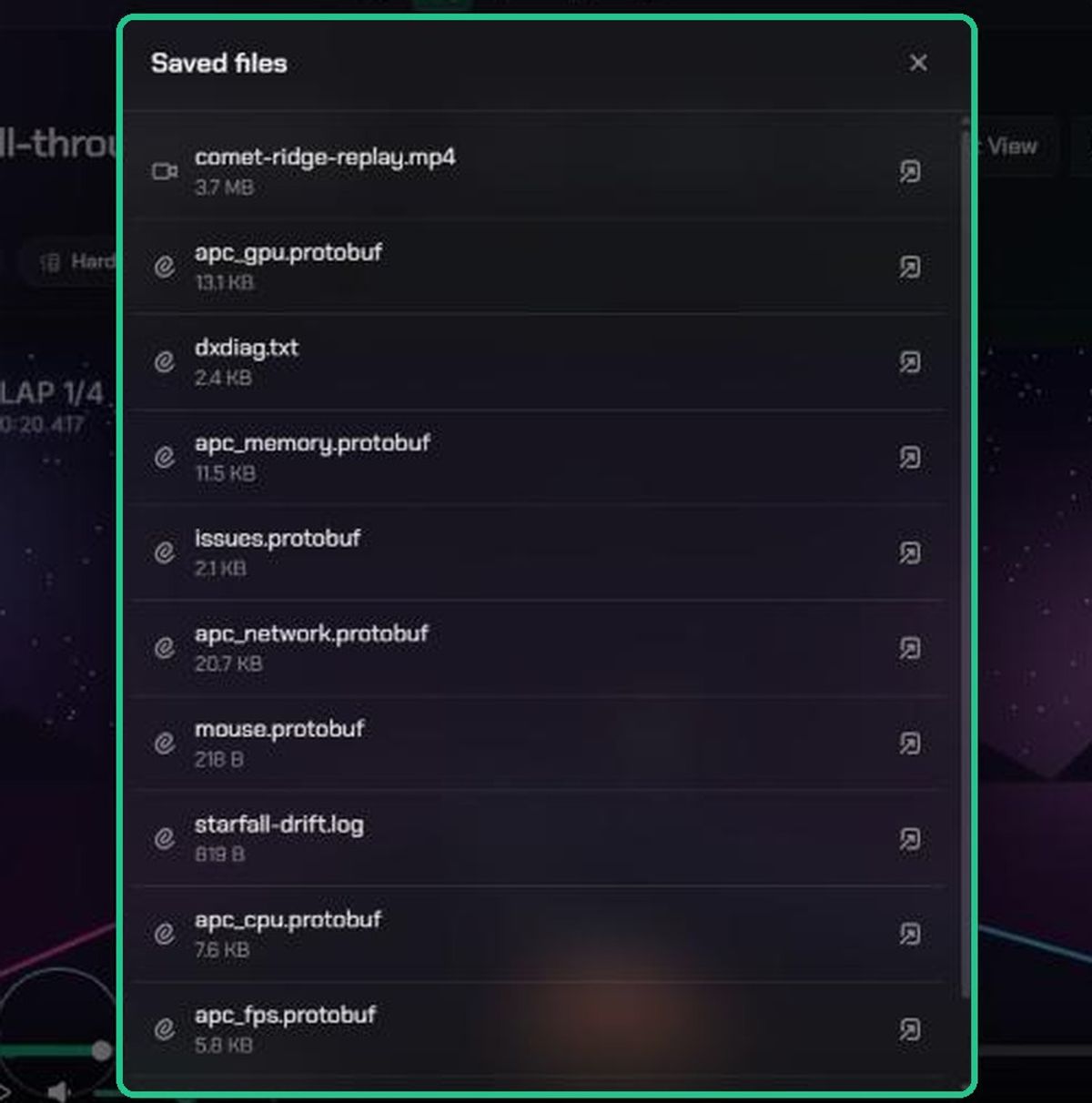
- Click ⋮, then See saved files.
- The Saved files list shows every file stored with the evidence, including the video, thumbnail, data files and attachments.
- Click the open icon to view a file in a new tab.
This is also the place to find the hardware report.
Troubleshooting
- There's no ⋮ menu. You didn't upload this evidence and you're not the project's Lead or an admin.
- "2 file(s) failed to upload — please try again." Check your connection and try again. Files that did upload are already saved; check See saved files.
- "Could not register upload". A file with the same name is already saved. Rename the file and try again.
- The DXDiag or game log option is missing. The evidence already has one. Add another as a custom attachment.