Before you start
- Everyone in the workspace can open the dashboard. What you see depends on your Team Role, not on whether you're an admin.
- Team Role is set per person in Workspace Settings > Members. Testers see their own work. Leads and Observers see the whole team.
- The dashboard isn't in the Evidence menu. You reach it from search in the top bar, or by making it your starting page.
1. Open the dashboard
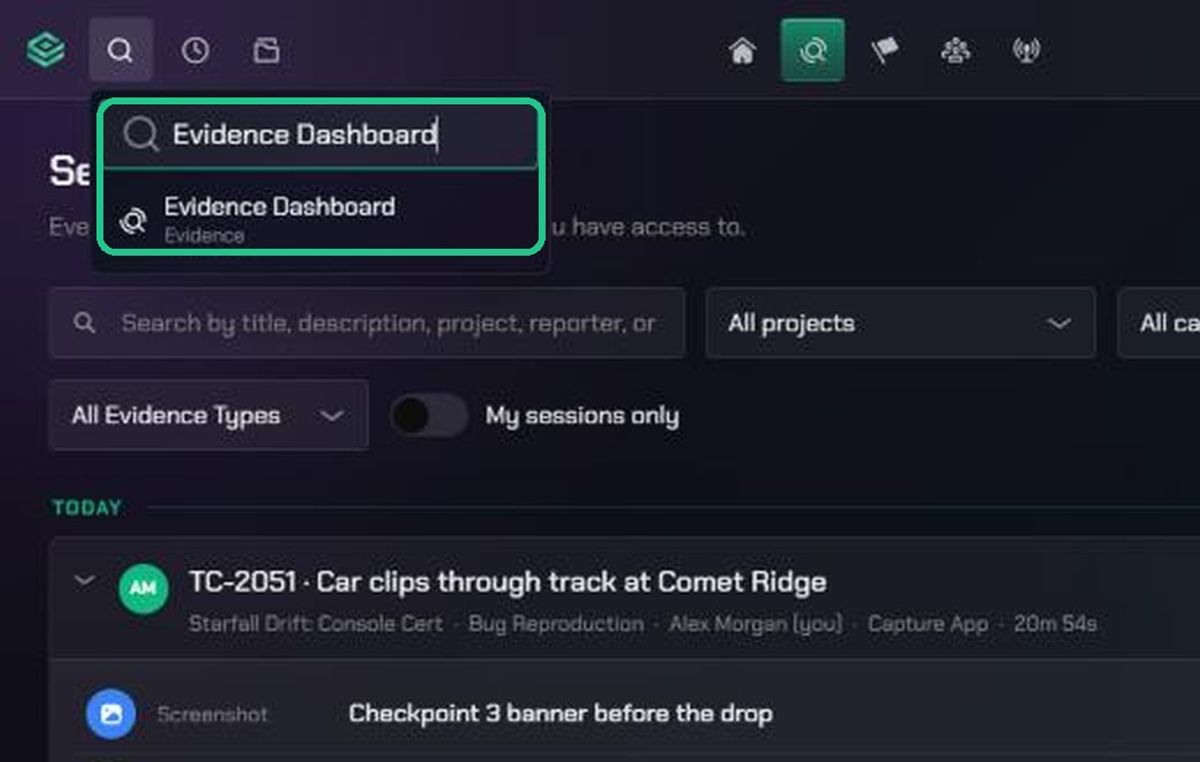
- Click the search icon in the top bar and type "Evidence Dashboard". Click the result.
- To land on it every time you sign in, open your profile, click Preferences and set Default starting page to Evidence.
The page is headed Dashboard. It refreshes itself every 30 seconds.
2. Choose your view
- Team view shows what every tester in the workspace is doing.
- My view shows only your own sessions and evidence.
Which view you get:
- Team Role Lead, or no Team Role, and you're a workspace or organization admin: you start on Team view and can switch with the Team view and My view tabs. TopMod remembers your choice.
- Team Role Observer: always Team view.
- Team Role Tester: always My view, even if you're an admin. New members are Testers by default.
- Members who aren't admins: My view.
If you need Team view, ask a workspace admin to change your Team Role.
3. Read Team view
Team view counts only people whose Team Role is Tester.
- Active Testers, Sessions Started, Evidence Logged and Bugs Captured tiles show today's totals.
- Team Status lists each tester, their project, whether they're Active Testing or Offline, how long they've been testing and their last upload. Click View → to open their live or latest session.
- Recent Activity shows the latest 15 uploads. Filter it by project, and click an item to open it.
- Project Status shows each active project's testers, evidence and sessions over the last 7 days. Click a row to open the project in Command.
- Sessions Breakdown charts the last 7 days of sessions by category.
4. Read My view
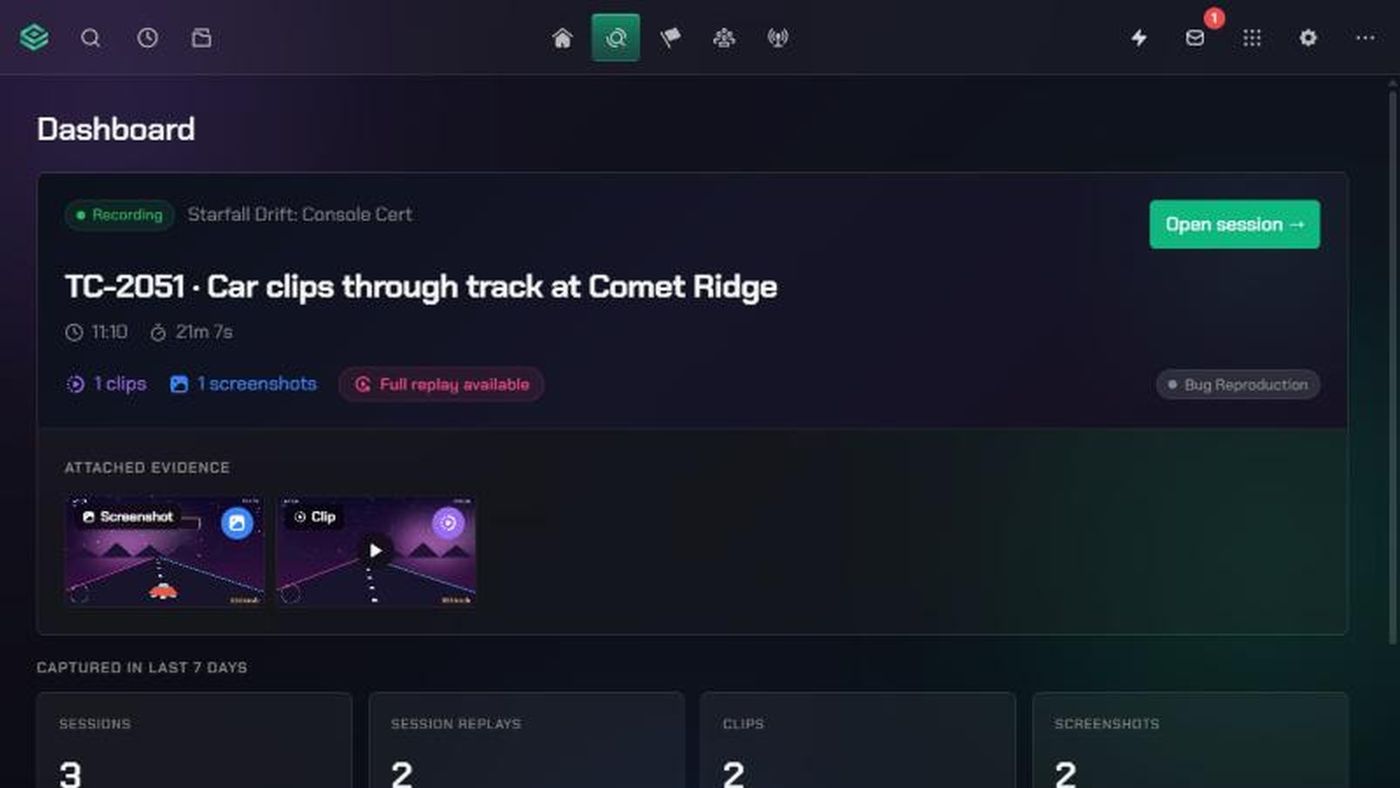
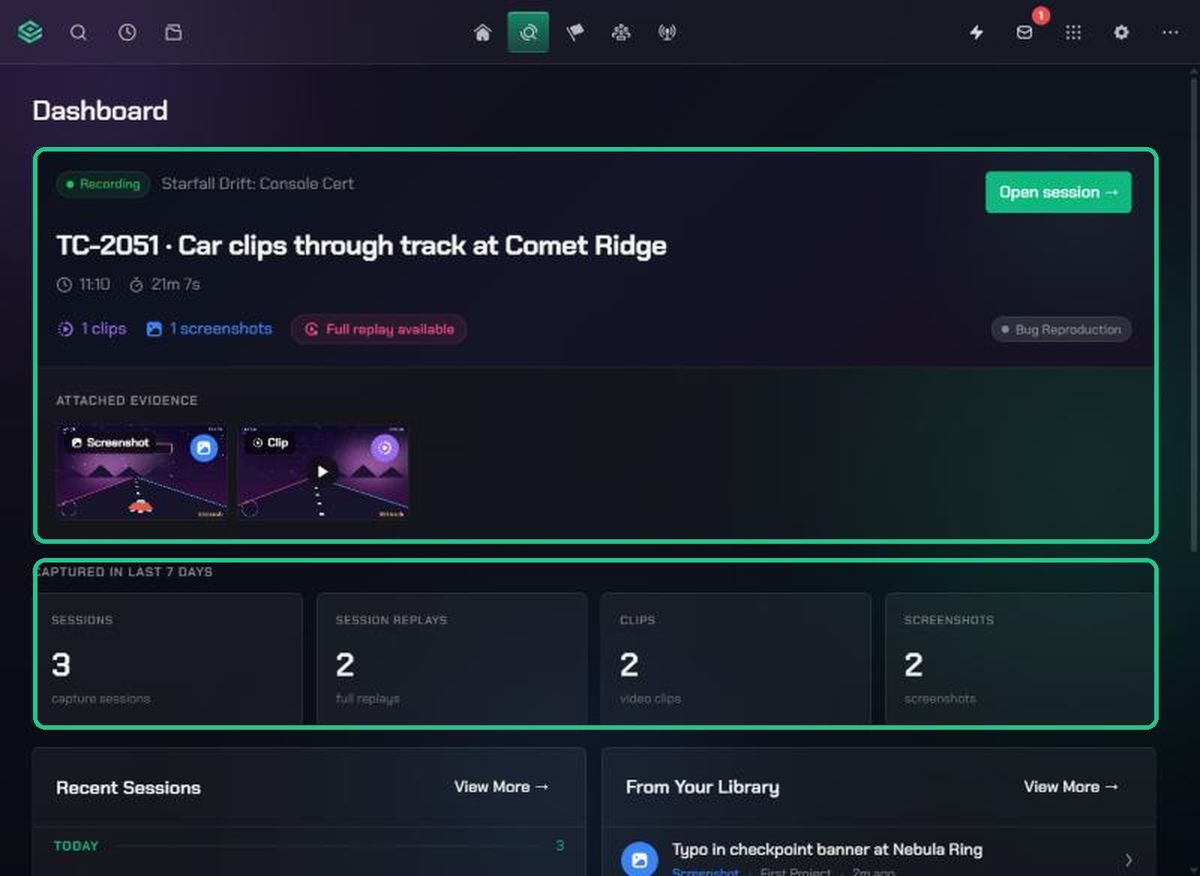
- The top card shows your most recent session: its status, project, start time, length, clip and screenshot counts, and its evidence as thumbnails. Click Open session → to open it, or Full replay available to watch the replay.
- Captured in last 7 days counts your sessions, replays, clips and screenshots.
- Recent Sessions lists your last 8 sessions by day.
- From Your Library shows your 8 latest uploads.
- Click View More → on either card to open the Session List or the Content Library.
Troubleshooting
- You only see My view. Your Team Role is Tester, or you're not an admin. Ask a workspace admin to change your Team Role in Workspace Settings > Members.
- "No testers yet" in Team Status. Nobody has the Tester Team Role. A workspace admin can set it in Workspace Settings > Members.
- "No active session" in My view. You haven't recorded any sessions in this workspace yet. Record one with TopMod Capture, or start one on the web.
- Bugs Captured always shows 0. Evidence doesn't count bugs yet. Use Checkpoint to track bugs.