
Before you start
- Any workspace member can read and post in a bug's discussion.
- You can edit and delete your own comments. Workspace and organization admins can edit or delete anyone's.
- Comments are plain text. You can't attach files to a comment. Add files to the bug itself instead (see Bug Detail).
1. Post a comment
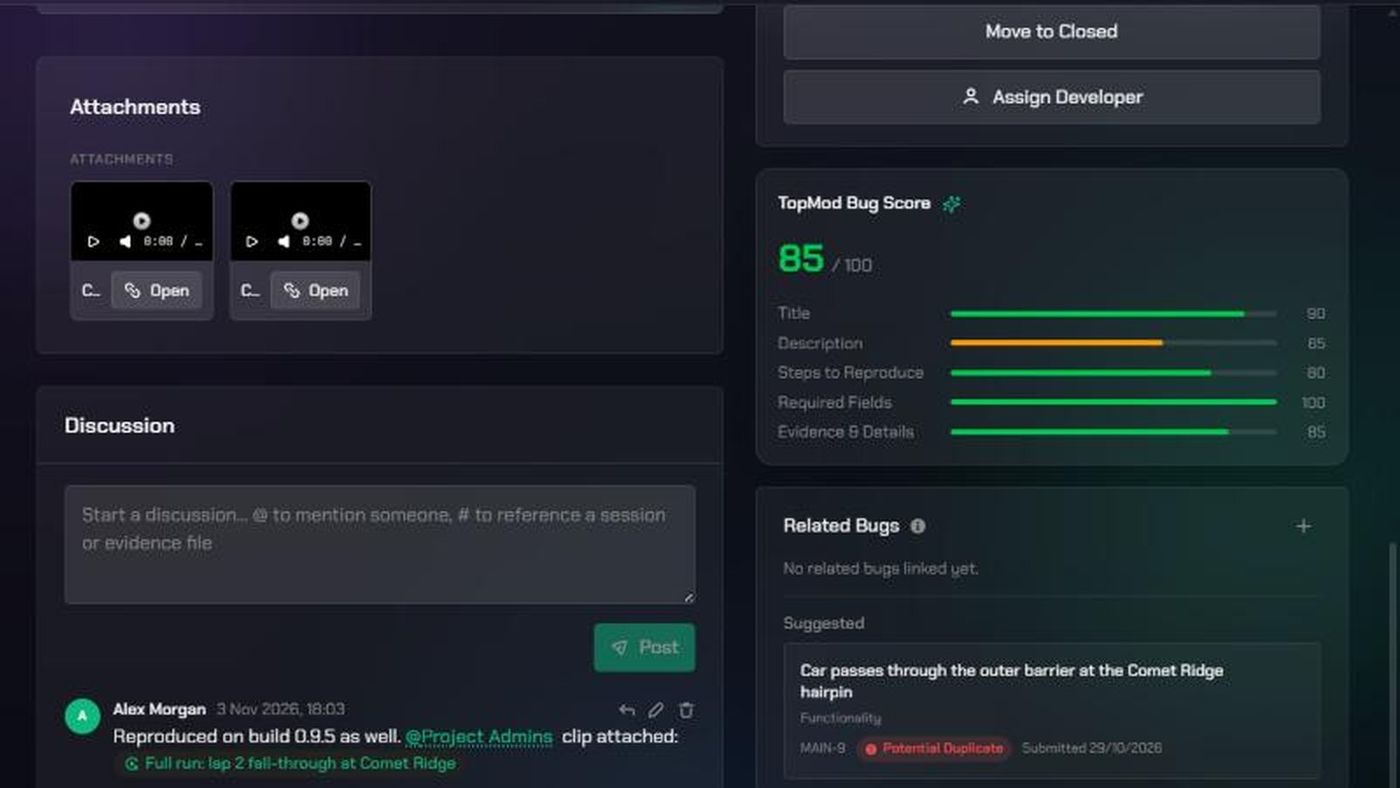
- Open the bug and scroll to Discussion.
- Click the box that says "Start a discussion… @ to mention someone, # to reference a session or evidence file".
- Type your comment. Web addresses become links.
- Click Post (the paper-plane icon), or press Ctrl+Enter (Cmd+Enter on a Mac).
2. Mention people
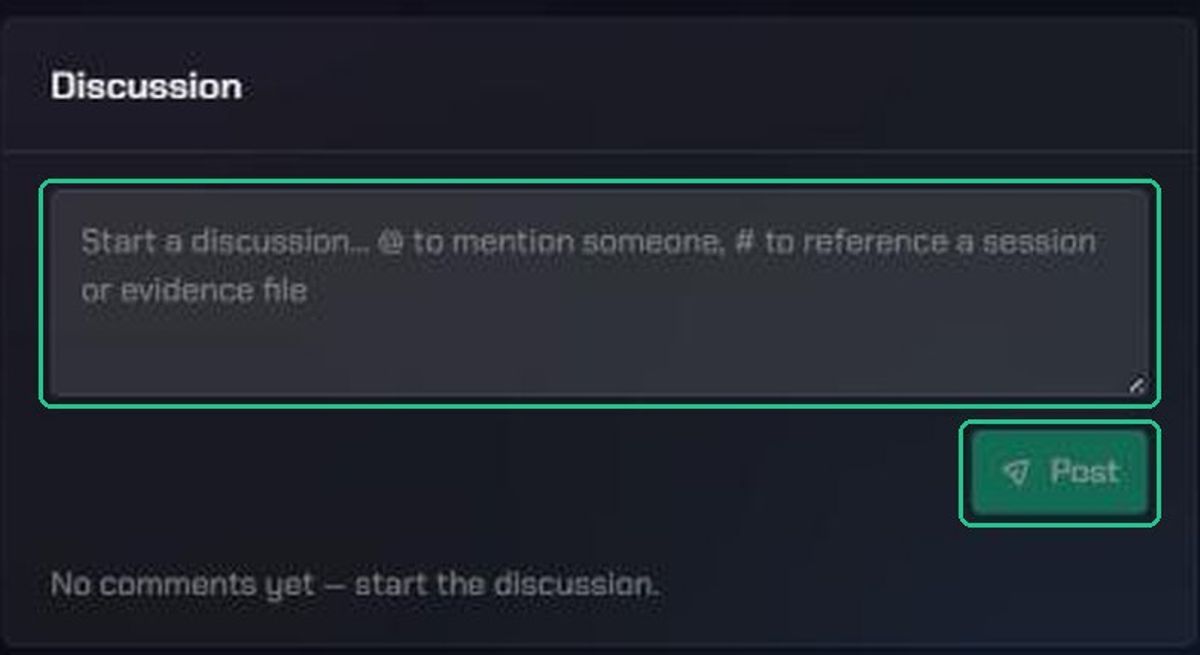
- Type
@in your comment. - Pick a person, or a group:
- Reporter: the person who reported the bug
- Project Admins: the admins of the bug's project and workspace
- Org Admins: your organization's admins
- Finish the comment and click Post.
The people you mention get a notification. Hover over a group mention to see who's in it.
3. Reference a session or evidence
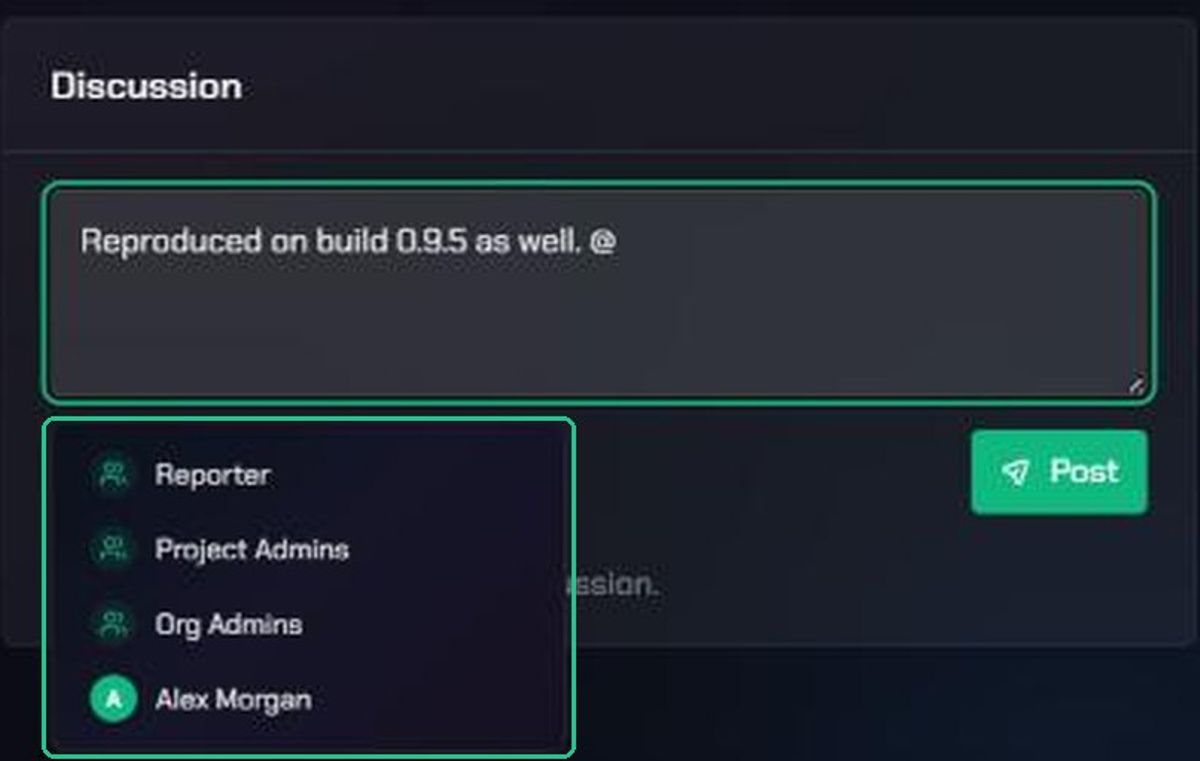
- Type
#in your comment. - Pick a session or evidence file from the bug's project.
It appears as a pill that others can click to open.
4. Reply, edit or delete
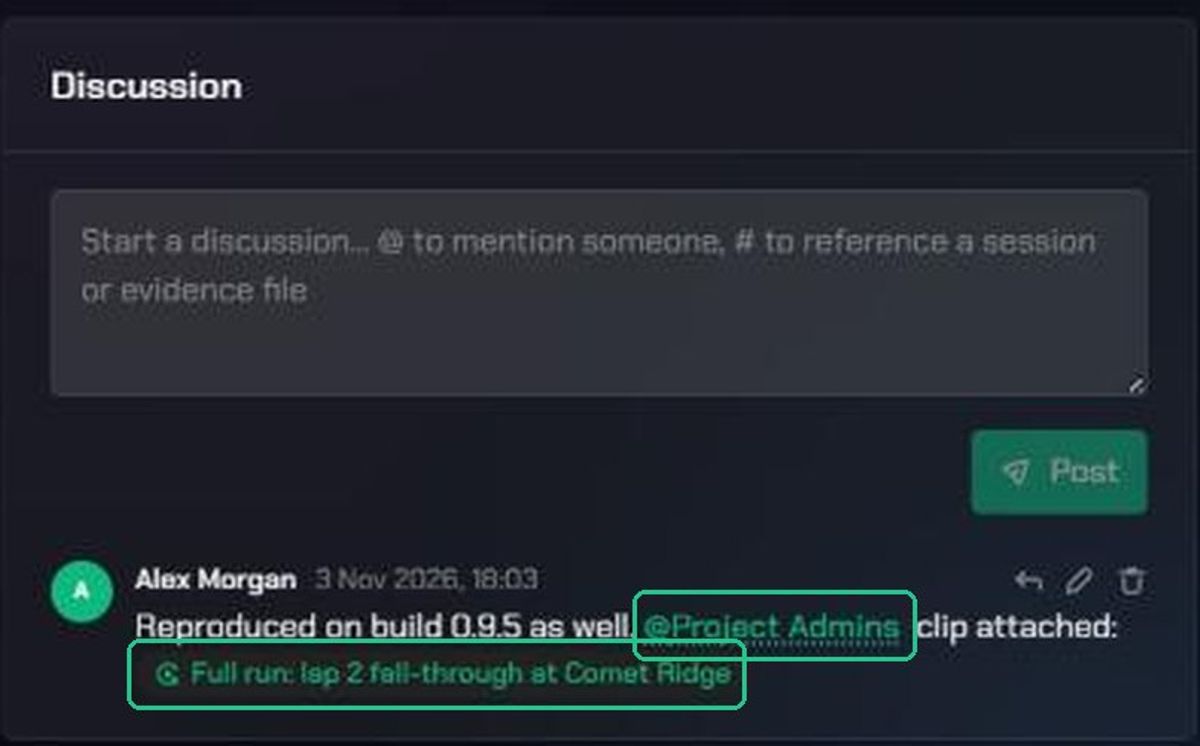
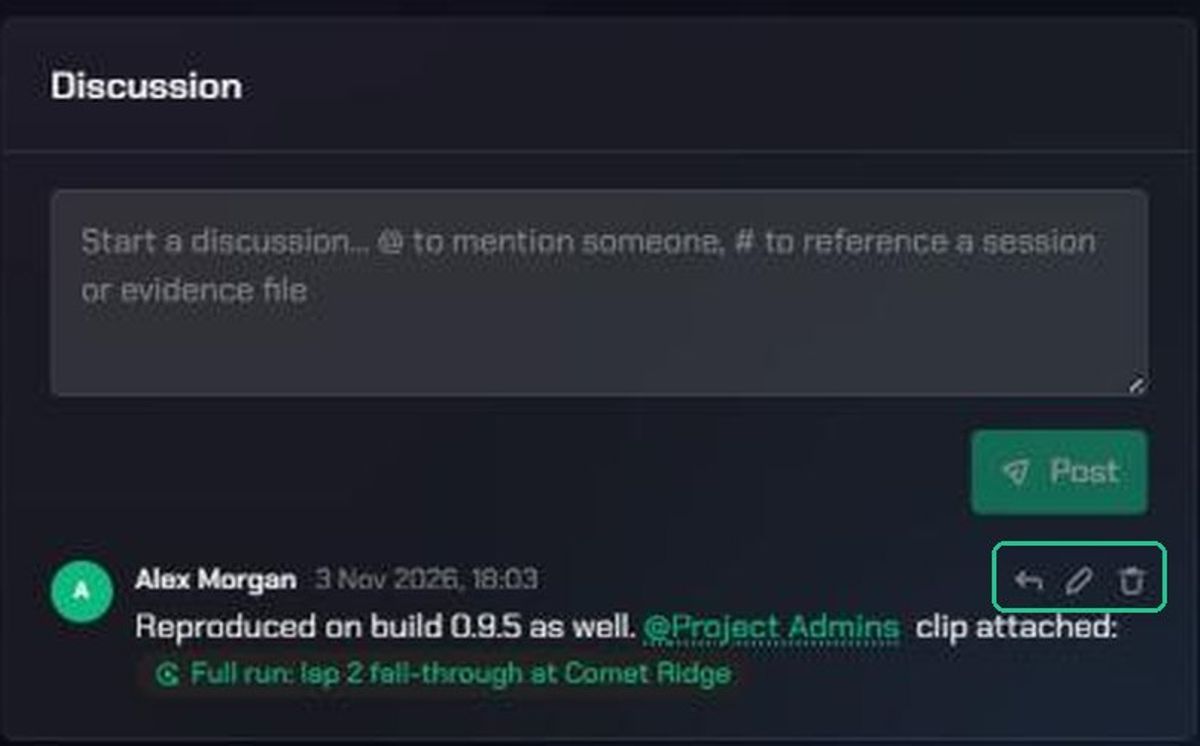
- Reply: click the reply icon on a comment. You'll see "Replying to @{name}" above the box.
- Edit: click Edit comment (the pen icon), change the text and click Save.
- Delete: click Delete comment (the bin icon), then Delete to confirm.
Who gets notified
- Only the people you @-mention get a notification: "You were mentioned in {BUG-KEY}", with the start of your comment.
- A group mention notifies everyone in the group, except you.
- Posting without a mention notifies nobody.
- If you edit a comment to add a mention, only the newly mentioned people are notified.
Troubleshooting
- Post is greyed out. The comment box is empty.
- Only the groups appear when you type @. The bug has no project, so TopMod can't list people. Ask the reporter or an admin to set its project.
- You don't see Edit comment or Delete comment. You can only change your own comments, unless you're a workspace admin.
- "Could not post the comment." Check your connection and try again. Your text stays in the box.