Before you start
- Your Inbox lists every notification, whatever your settings. Settings only change which ones count towards the badge, and which also go to email, Slack or Discord.
- To get Slack or Discord messages, connect your account first. See the Connections guides.
1. Read your Inbox
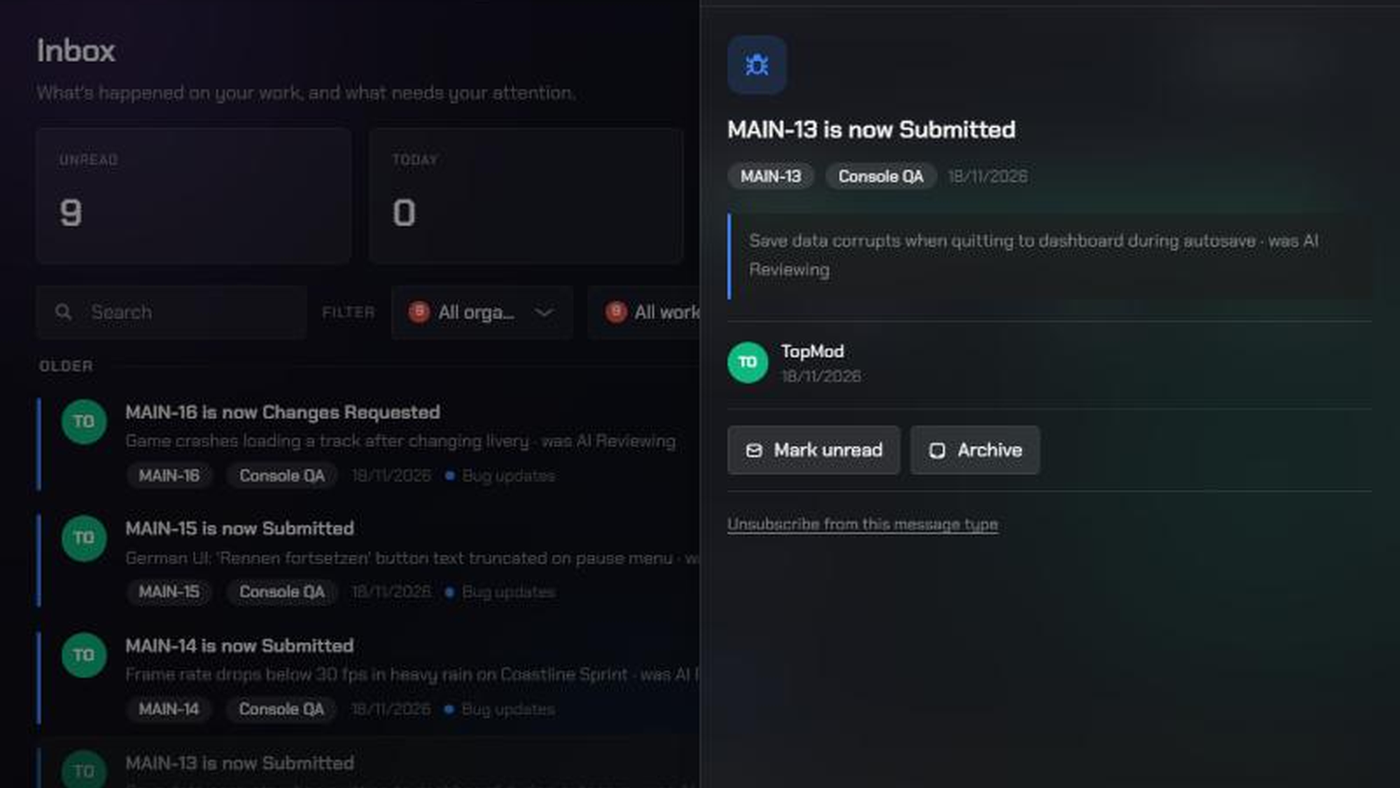
- Click Inbox (the envelope icon). The number shows how many are unread.
- Pick a category: Invitations, Project updates, Bug updates, Comments, Documents, Requests, Support or Announcements.
- Use Unread, Today, Search, Hide read and Show archived to narrow the list.
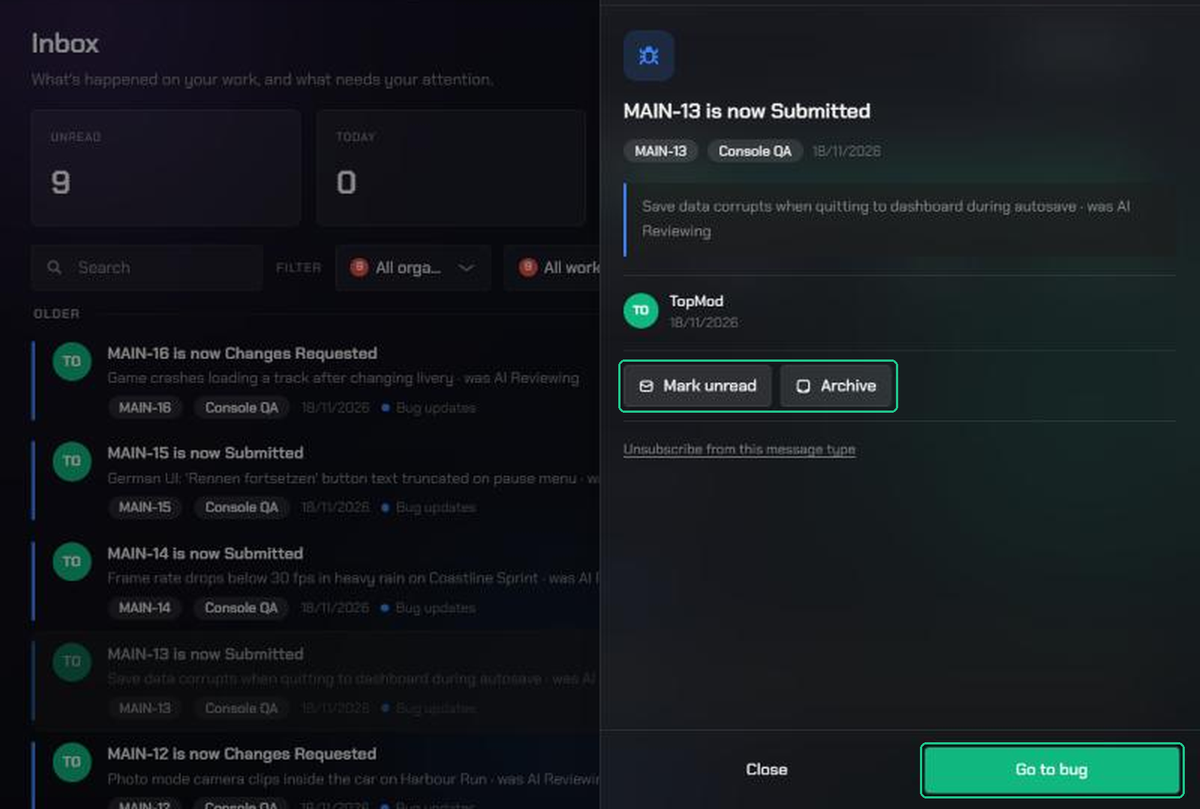
- Click a notification to read it, then use its link, such as Go to bug or Go to project.
2. Tidy up
- Mark all read marks everything as read.
- Mark unread keeps a notification for later.
- Archive hides a notification. Switch on Show archived to see it again.
- Unsubscribe from this message type stops that kind of notification nudging you.
3. Choose how you're notified
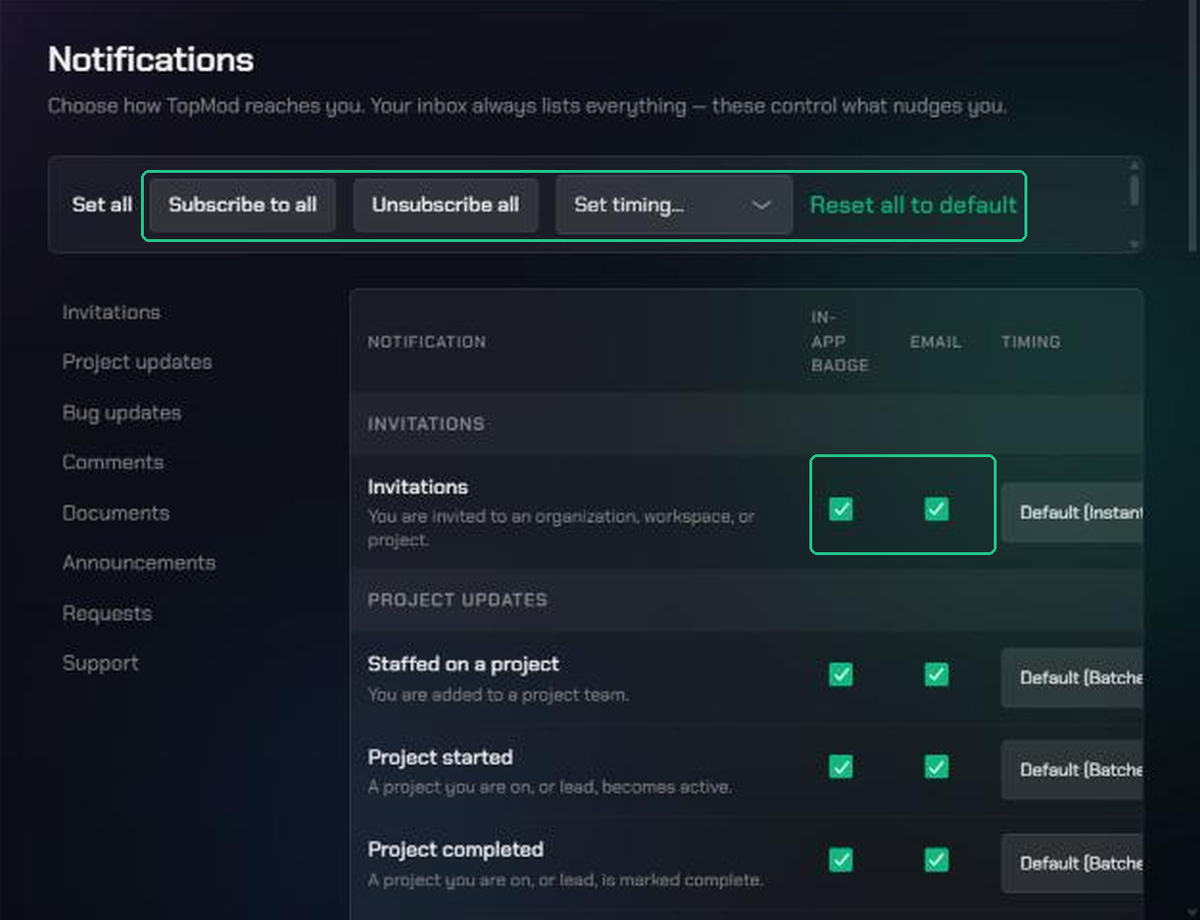
- Open Account Settings > Notifications.
- For each notification type, tick In-app badge, Email, Slack or Discord.
- Choose the message timing: Instant, or Batched to group them into fewer messages.
- Click Save changes. You'll see "Notification preferences saved".
Use Subscribe to all, Unsubscribe all and Reset all to default to change everything at once. These change Email, Slack and Discord, not the in-app badge.
What you're told about
- Project updates: you're staffed on a project, or a project you're on starts, is completed or is cancelled.
- Bug updates: a bug is ready for your review, its testing status changes, more information is requested, or it's marked as a duplicate or known issue.
- Comments: someone mentions you.
- Requests: a request needs your review, or yours is approved or denied.
- Invitations, Documents, Support replies and Announcements.
Troubleshooting
- "You're all caught up". There's nothing to show with the current filters. Turn off Hide read or pick All.
- There's no Slack or Discord column. Connect your Slack or Discord account first.
- "Could not save your preferences". Check your connection and try again.